Section 4
Familiarization
Page 4 - 16 EchoStar DVR-5000
© 2001 EchoStar International Corporation
All rights reserved
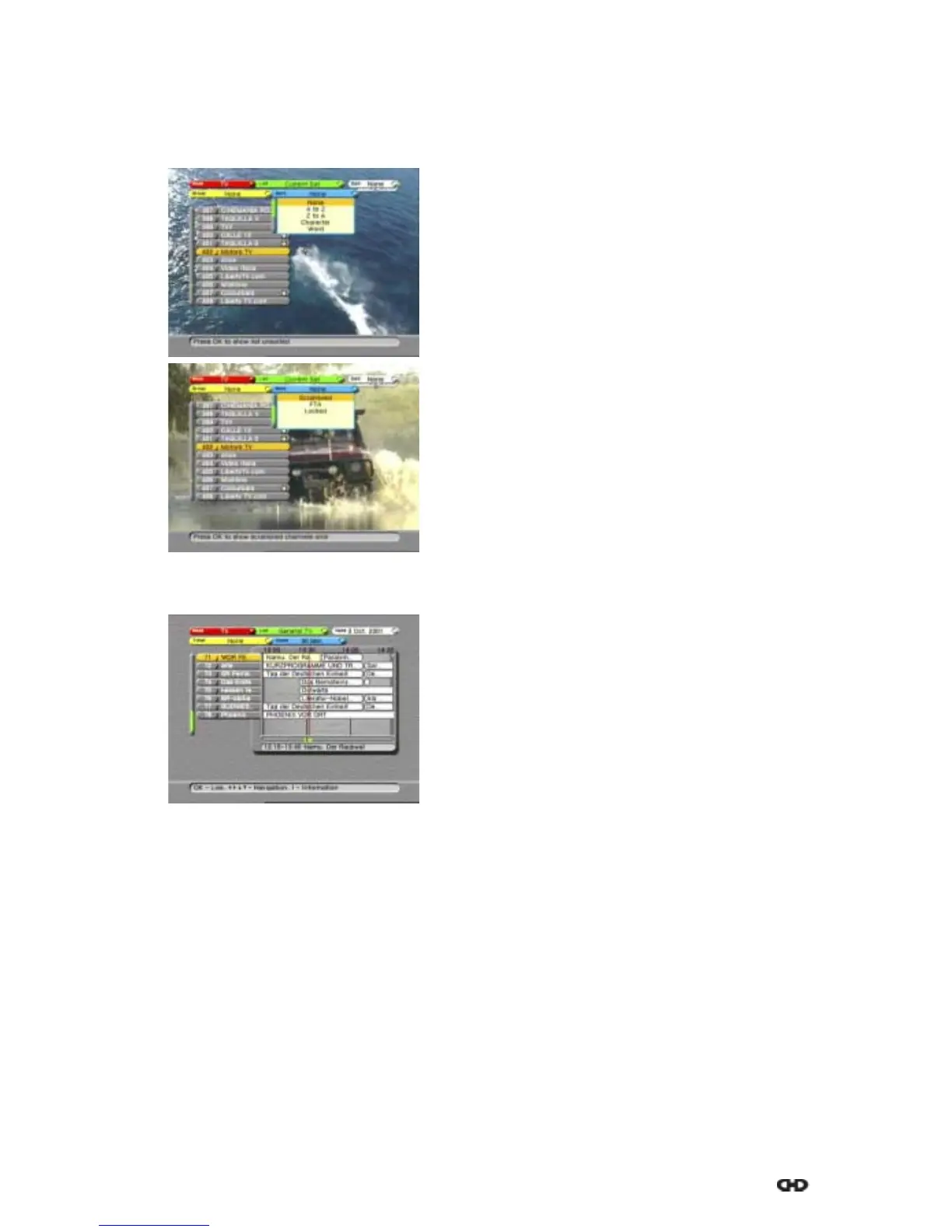
3.6. SORT
The Sort options are available in all modes. The Sort options allow you to sort the lists in
different ways. The availability of the Sort options is mode dependent, the available options
are:
4. THE ELECTRONIC PROGRAM GUIDE (EPG)
■ None
No sort option is selected.
■ AtoZ
Sorts a list alphabetically.
■ ZtoA
Sorts a list alphabetically, in reverse order.
■ Character
Shows list with entered character only.
■ Word
Shows a list that contains the selected word only.
■ Scrambled
Shows a list of encrypted channels only.
■ FTA
Shows a list of Free-To-Air channels only.
■ Locked
Shows a list of locked channels only.
Most digital channels transmit program data as an
EPG. Digital channels that transmit EPG offer you
program information in advance for a certain period of
time. Dependent of the service provider, EPG is
offeredindifferentways.
After you have entered the EPG, you can select the
different EPG options, these are:
■ Mode, to select the TV or Radio mode to show.
■ List, to select the list in all channels, current
satellite or personal favorite.
■ Date, to access the EPG calendar.
■ Timers, to select and set the available timers.
■ Zoom, to expand or shrink the EPG window as a
function of the time slot.











 To Next Page