Section 5
Operation
Page 5 - 14 EchoStar DVR-5000
© 2001 EchoStar International Corporation
All rights reserved
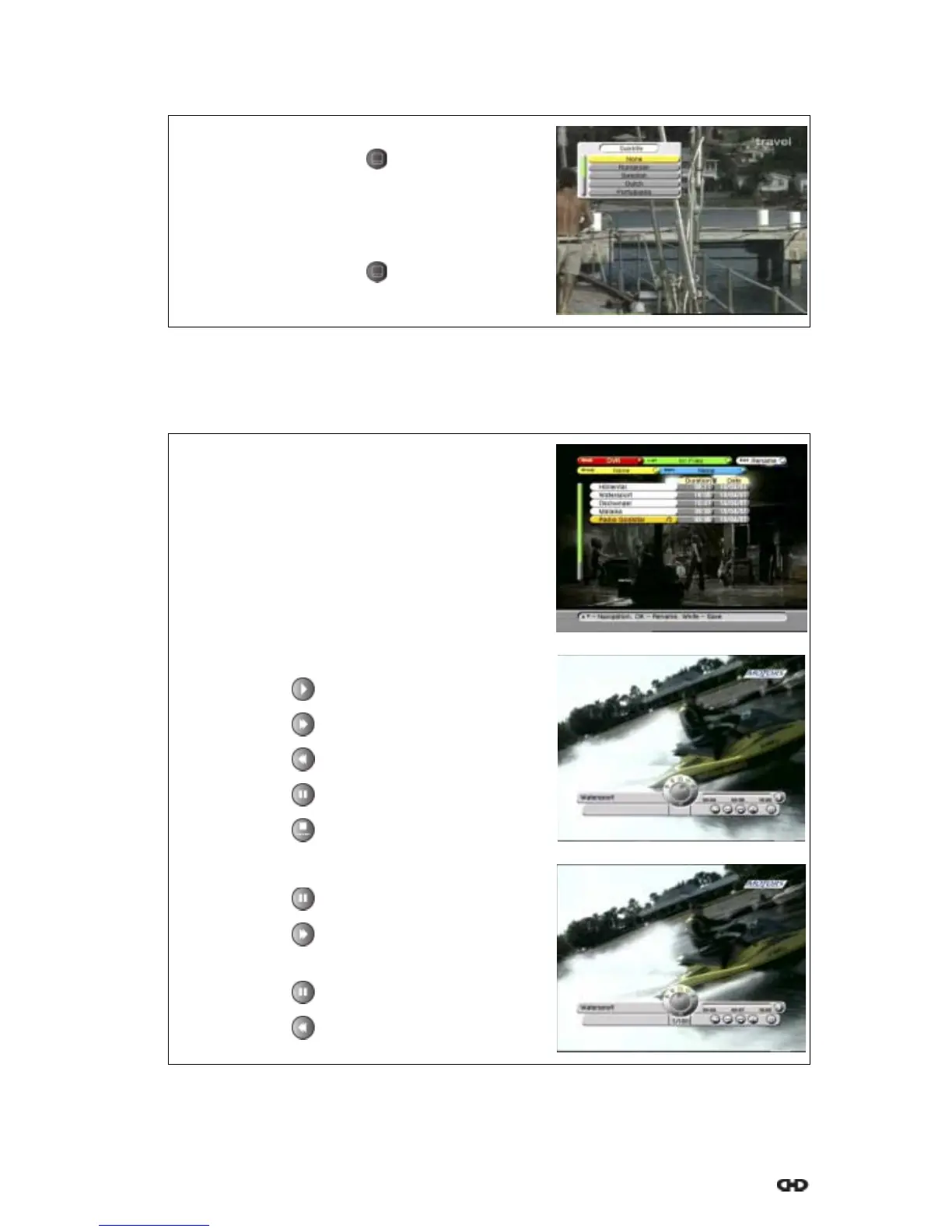
3.5. TO SELECT THE SUBTITLE LANGUAGE
4. TO USE THE DVR
4.1. PLAY BACK A RECORDING
1. On the InfoBanner, find the subtitle symbol.
2. On the RCU, press the key.
3. In the subtitle pop-up menu, select the required
subtitle language.
Note that subtitle information is provided by the
service provider.
4. On the RCU, press the key.
1. On the RCU, press the OK key.
2. Select the DVR mode.
3. Read the available help text for information.
4. Select a recording, either:
a. use the keys;
b. use the page + / - keys;
5. On the RCU, press the OK key to playback the
recording.
6. On the RCU:
a. press the key for play;
b. press the key for fast forward;
c. press the key for rewind;
d. press the key for pause;
e. press the key to stop.
7. For forward slow motion, on the RCU:
a. press the key for pause;
b. press the key for slow motion;
8. For reverse slow motion, on the RCU:
a. press the key for pause;
b. press the key for reverse slow motion.











 To Next Page