Operation
Section 5
Digital Satellite Receiver Page 5 - 17
© 2001 EchoStar International Corporation
All rights reserved
5
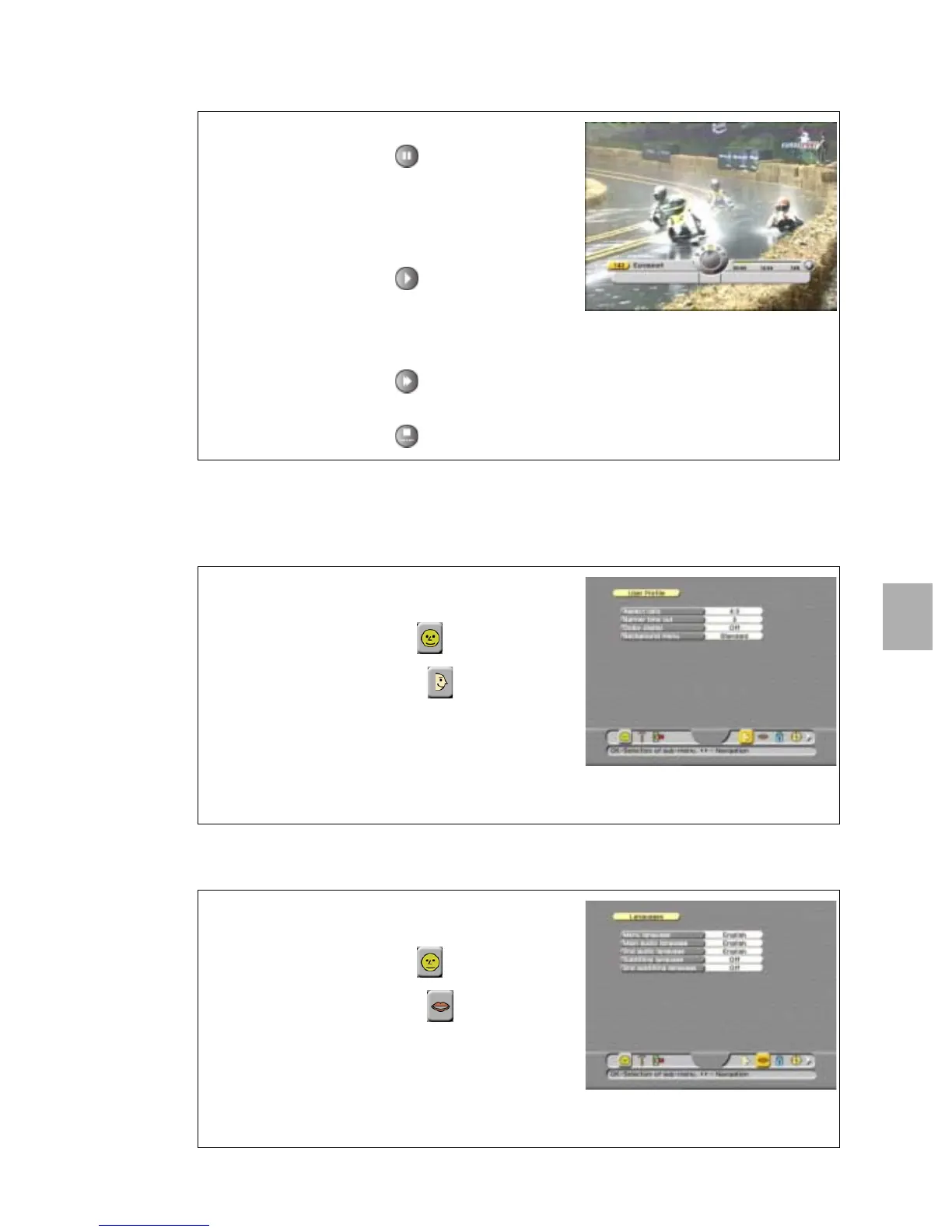
4.7. USE LIVE PAUSE
5. TO SET THE USER PREFERENCES
5.1. TO CHANGE THE USER PROFILE
5.2. TO CHANGE THE LANGUAGE
1. In the TV mode, select a channel to view.
2. On the RCU, press the key:
a. the DVR InfoBanner appears with a yellow
pause and a red blinking indicator (recording);
b. the live video freezes;
c. the display on the receiver shows Hdd.
3. On the RCU, press the key:
a. the live video is continued from the pause;
b. the DVR InfoBanner disappears;
c. the display on the receiver shows Hdd.
4. On the RCU: press the key to fast forward a
time frame (to catch up with the real live video).
5. On the RCU, press the key to abort pause.
1. On the RCU, press:
a. the MENU key;
b. the key to select the menu;
c. the OK key, to select the menu.
2. Press the OK key and make the selections.
3. Read the available help text for information.
4. On the RCU:
a. press the MENU key to save the settings;
b. press the EXIT key to leave the menu.
1. On the RCU, press:
a. the MENU key;
b. the key to select the menu;
c. the OK key, to select the menu.
2. Press the OK key and make the selections.
3. Read the available help text for information.
4. On the RCU:
a. press the MENU key to save the settings;
b. press the EXIT key to leave the menu.











 To Next Page