Section 5
Operation
Page 5 - 16 EchoStar DVR-5000
© 2001 EchoStar International Corporation
All rights reserved
4.5. CAPTURE A PERSONAL BACKGROUND
4.6. INSTALL A PERSONAL BACKGROUND
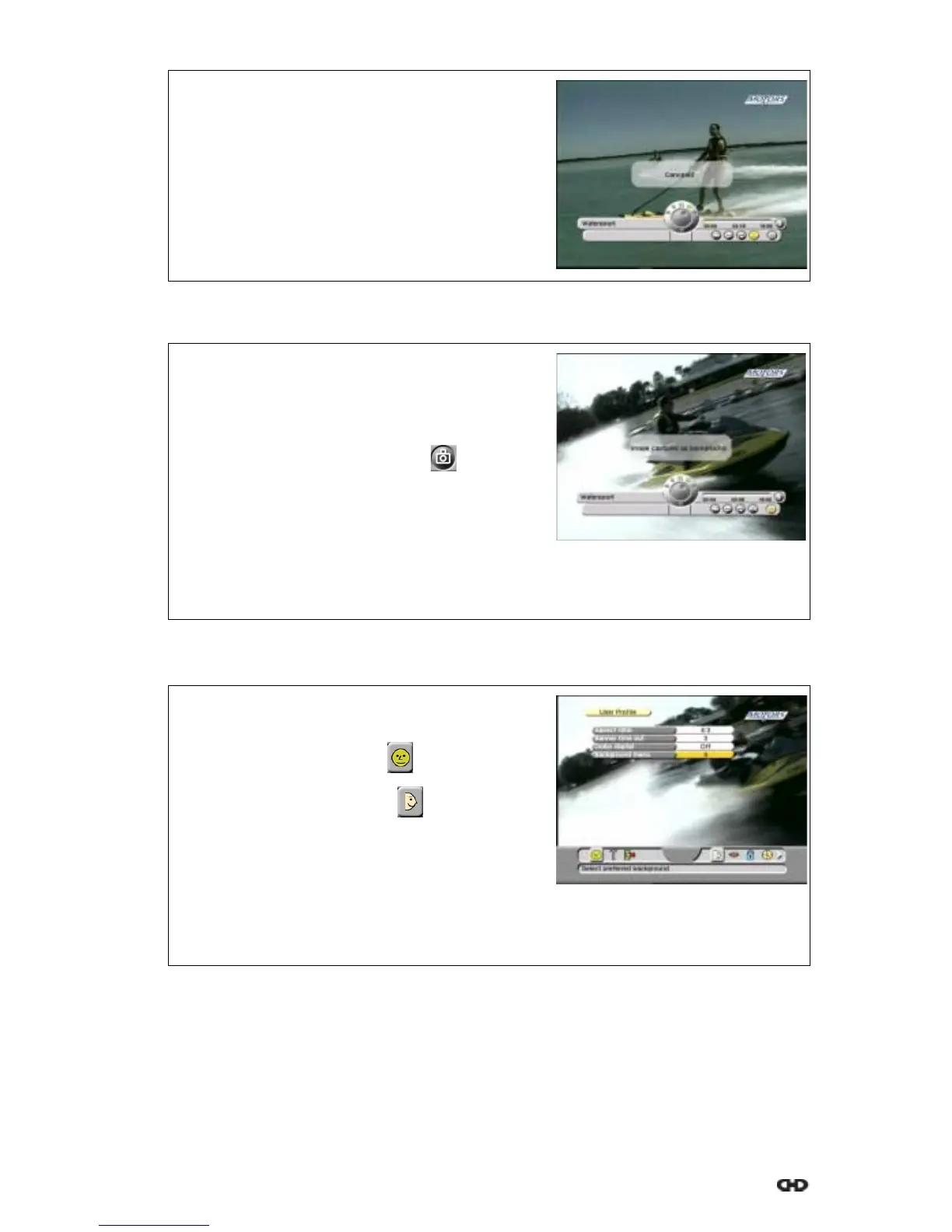
10. On the RCU, press the OK key to cancel the
marker.
11. Wait for the popup to disappear.
12. On the RCU:
a. press the MENU key to leave the menu;
b. press the EXIT key to remove the InfoBanner.
1. Play back a recording.
2. On the RCU:
a. press the i-key to show the InfoBanner
b. press the MENU key to activate the menu;
c. use thekeys to select the button.
3. Wait for the scene that you want to capture.
4. On the RCU, press the OK key.
5. Wait for the popup to disappear.
6. On the RCU:
a. press the MENU key to leave the menu;
b. press the EXIT key to remove the InfoBanner.
1. On the RCU, press:
a. the MENU key;
b. the key to select the menu;
c. the OK key, to select the menu.
2. Press the OK key and select Background menu.
3. Read the available help text for information.
4. Select the personal background.
5. On the RCU:
a. press the MENU key to leave the menu;
b. press the EXIT key to return to live video.











 To Next Page