Operation
Section 5
Digital Satellite Receiver Page 5 - 9
© 2001 EchoStar International Corporation
All rights reserved
5
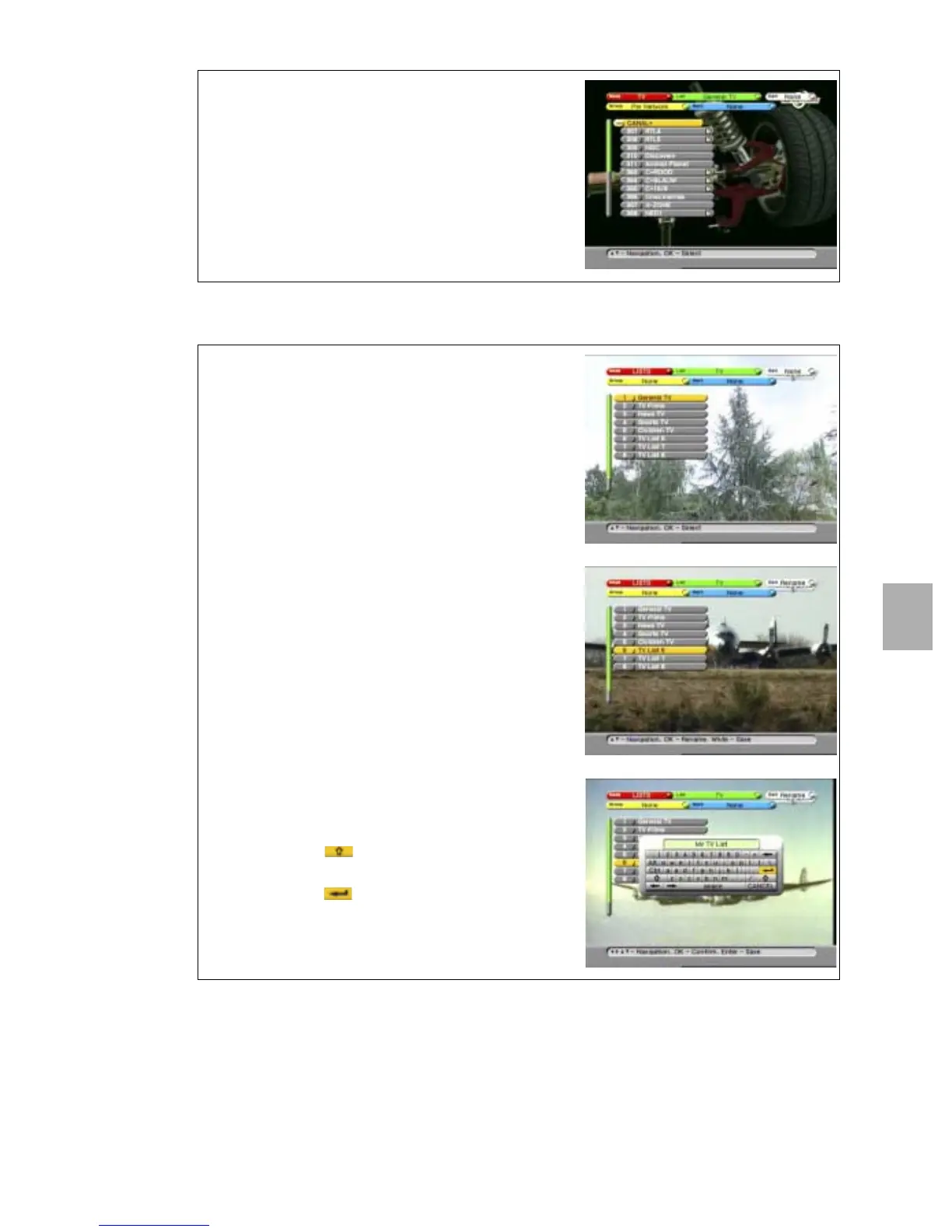
2.3. RENAME A FAVORITE LIST
11. Press the WHITE key to end the session.
12. If only the network bar is show, press the i-key to
expand the selection.
13. Select a channel.
14. On the RCU, press the OK key to view the
selected channel.
Note that in the left bar of the InfoBanner, a heart
symbol appeared to indicate that this channel is a
favorite channel.
1. On the RCU, press the OK key;
2. Press the RED key and select Lists.
3. Press the GREEN key and select the category.
4. Read the available help text for information.
5. In the Edit bar, select the RENAME option.
6. Go to the favorite list you want to rename.
7. On the RCU, press the OK key.
8. When the keyboard appears:
a. use the arrow keys to navigate;
b. press OK to accept the character;
c. select the button to get lower case
characters and numbers;
d. select the button
e. on the RCU, press the OK key to confirm.











 To Next Page