109
DVD
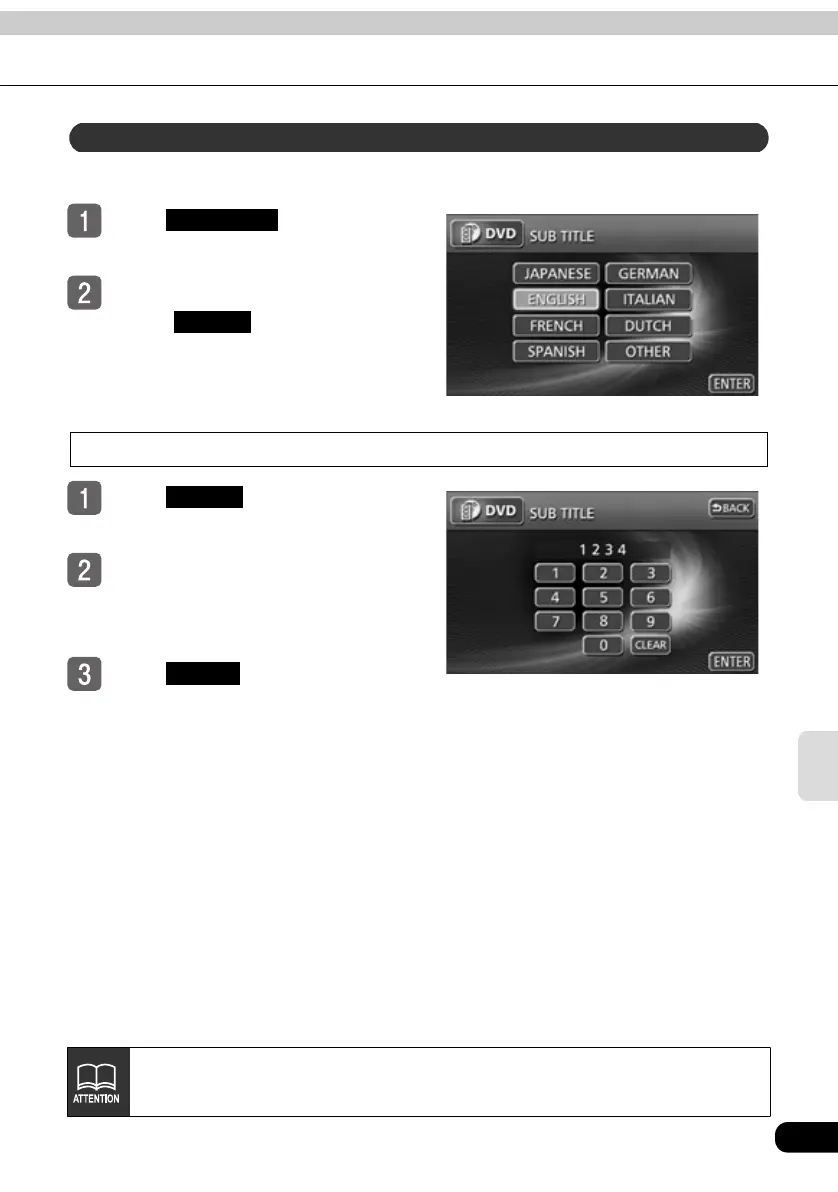
The preferred subtitles for the video playback can be selected.
Touch in the SET UP
screen.
Touch the preferred language.
● Touch to set a language
other than those displayed on the
screen.
Input a code
Touch in the SUB TITLE
setting screen.
Input a language code.
● For language codes see "Table of
language codes" on page 115.
Touch .
Subtitle language settings
SUB TITLE
OTHER
OTHER
ENTER
Language switching cannot be performed if the selected language is not recorded
on the disc.



 To Next Page