70
How to operate the CD player
How to use the CD player
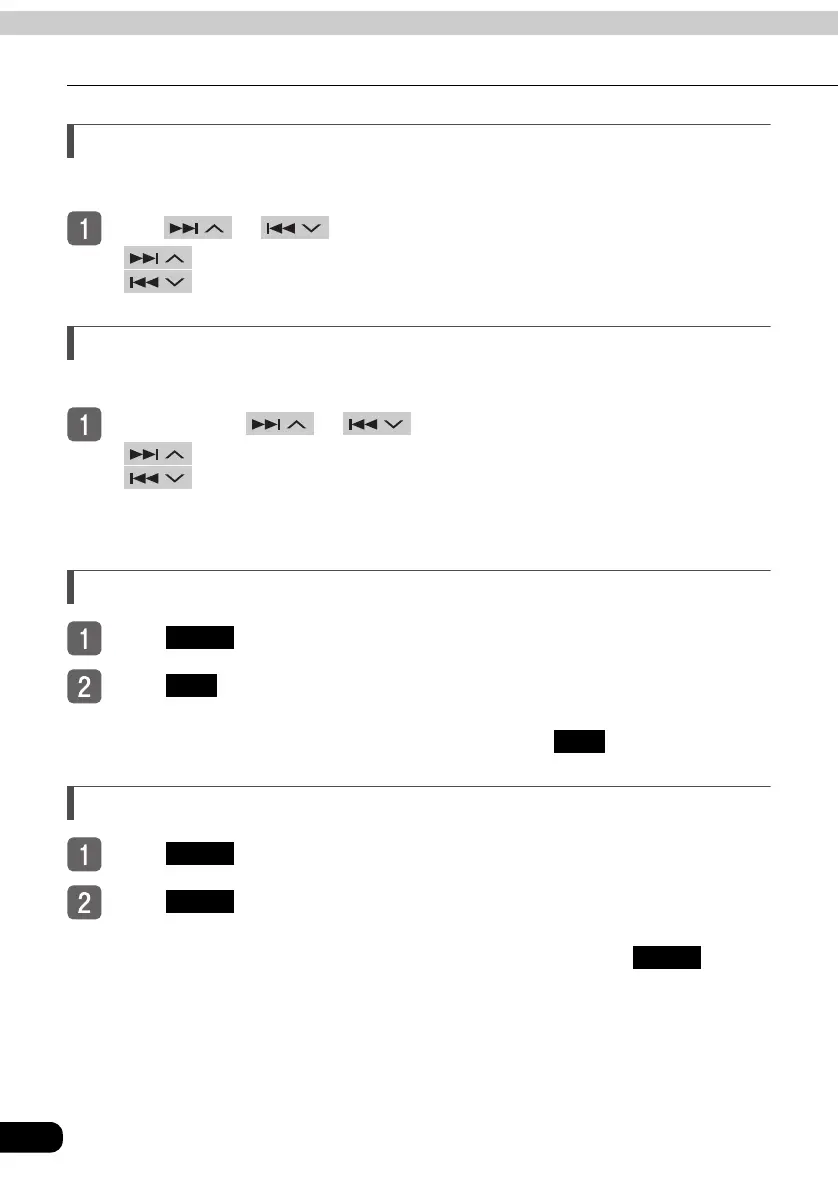
Selecting a track
You can jump to the opening of a track you want to hear.
Press or .
● (up) : Selects next track
(down) : Selects previous track
Fast-forwarding/rewinding
It is possible to fast-forward or rewind the track being played.
Press and hold or until you hear a beep.
● (up) : Fast-forward
(down) : Rewind
If you hear a beep while rewinding (fast-forwarding), the deck has switched to fast-
forward (rewind) mode and will continue you remove until your finger from the button.
Repeating a track
To u ch .
Touch .
● Repeats the current track.
● The track will repeat until the function is canceled. Touch again to cancel.
Playing tracks in random order
To u ch .
To u ch .
● Plays tracks in random order.
● Random playback will continue until the function is canceled. Touch again to
cancel.
● At the end of each track the system arbitrarily chooses which track to play next. As a
result, it is possible for the same track to be played multiple times in a row.
FUNC
RPT
RPT
FUNC
RAND
RAND



 To Next Page