15
Introduction
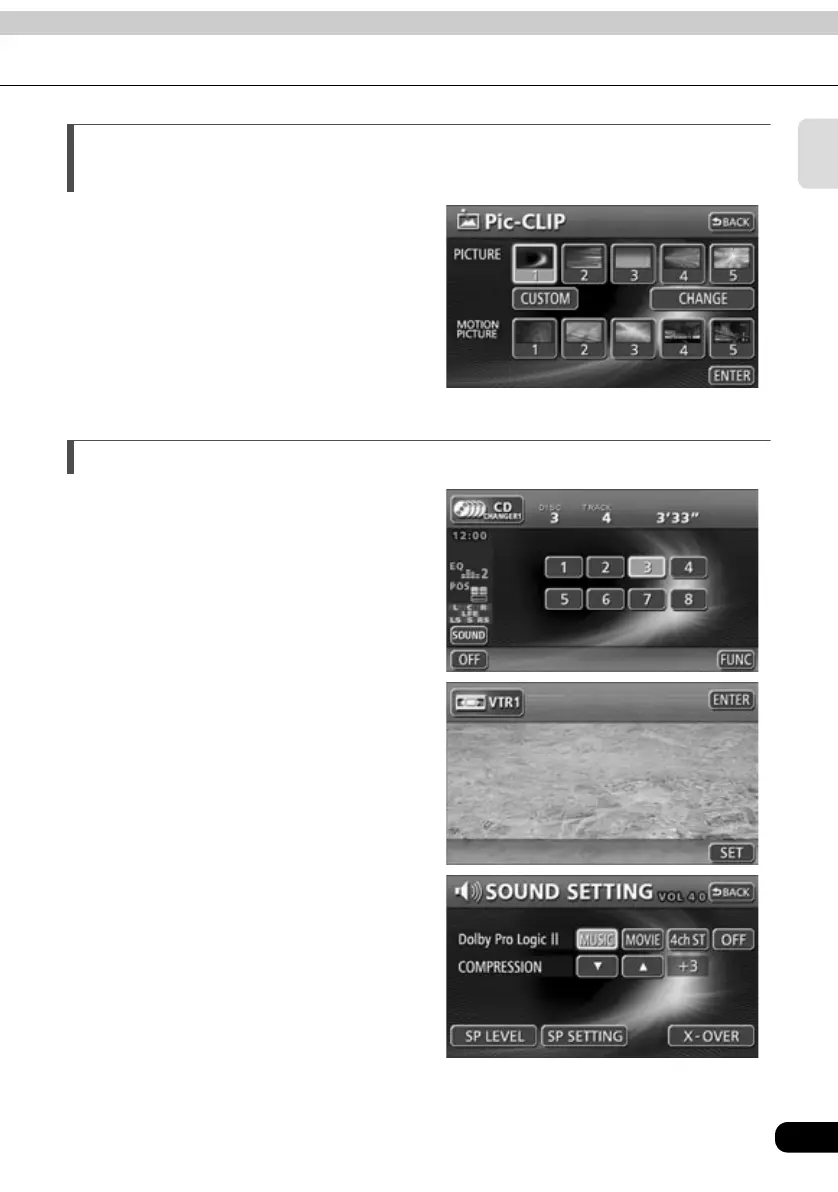
Selection and display of preferred wallpaper
(screen backgrounds) (Page 39)
Wallpaper of your choice can be selected and
displayed for use as the background of the
information screen and audio operation
screens.
A screen from the navigation unit can also be
linked to and selected.
System upgrades
● CD changer (Page 88)
A CD changer enables non-stop playing of
multiple discs, for convenience at times such
as taking a long drive.
It is easy to search for and play a song from
among the discs on a changer.
● VTR (Page 116)
Videos can be watched if a VTR deck is
connected.
● 5.1 ch decoder/AV matrix unit
(Page 119)
Dolby Digital (5.1 ch), DTS (5.1 ch), and
Dolby Pro Logic are supported when the 5.1
ch decoder/AV matrix unit is connected.
These technologies allow the listener to
enjoy theater-quality sound within the
vehicle’s interior. This unit also allows for
finer audio adjustments and the connection
of up to two external monitors.
●Setting wallpaper for the information screen and
audio operation screens



 To Next Page