27
Basic operation
Adjusting audio volume
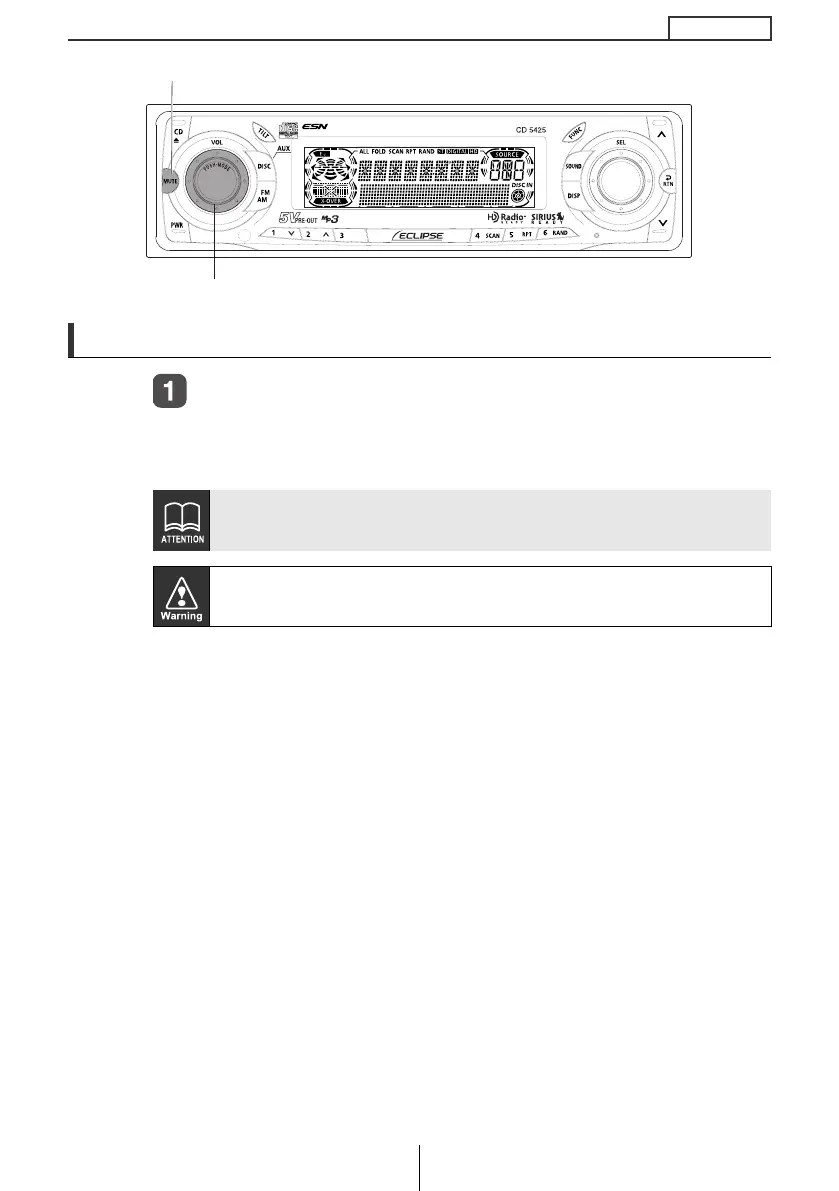
Turn the [AUDIO CONTROL] button to the left or right.
Turn to the right: Increases the volume.
Turn to the left: Decreases the volume.
Press the [MUTE] button for less than one second to cut the volume or
restore it instantly.
Do not adjust the volume or other controls while driving the vehicle. Do
so only while parked in a safe location.
[AUDIO CONTROL] button
[MUTE] button
CD5425_04_E.fm 27 ページ 2004年12月15日 水曜日 午後5時46分



 To Next Page