EN
| 10
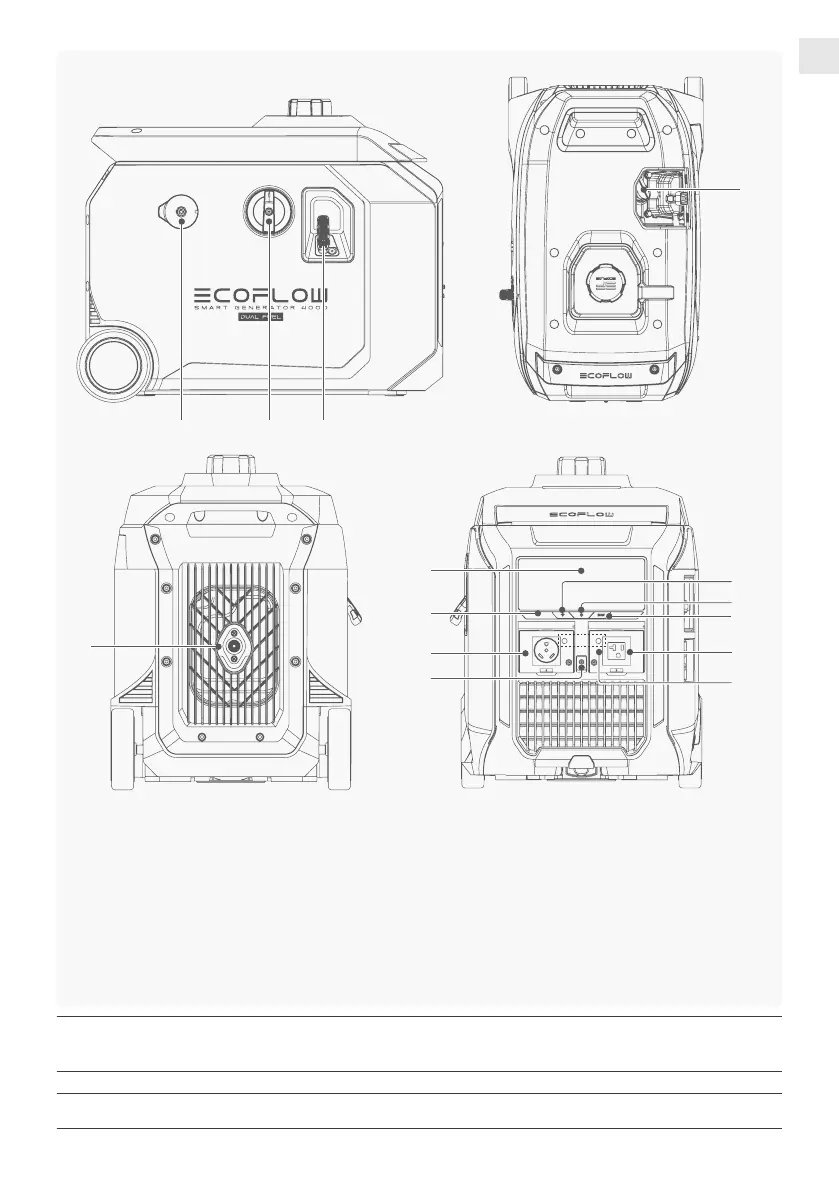
⑧ ⑨ ⑩
⑧
LPG Inlet
⑨
Engine Switch
⑩
Starter Grip
⑪
Spark Plug
⑫
Muffler
⑬
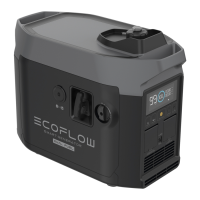
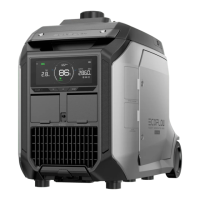
Screen Display
⑭
Carbon Monoxide Alert Light
⑮
IoT Reset Button
⑯
Electric Start Button
⑰
ECO Mode Button
⑱
AC Output Socket
⑲
Ground Terminal
⑳
Thermal Protector
⑫
Carbon Monoxide Alert Light: When the carbon monoxide sensor detects that the concentration of carbon monoxide is about to exceed
the standard, the generator will automatically stop and the carbon monoxide alert light will ash for 5 minutes. After shutting down,
wait for 5 minutes before restarting the generator.
IoT Reset Button: Press and hold for about 5 seconds to reset Wi-Fi and Bluetooth connections.
Thermal Protector: Thermal Protector will be triggered in case of overtemperature or overload. To restore the AC output, wait for the
temperature to return to a normal level and then press the thermal protector again.
⑪
⑱
⑬
⑲
⑭
⑮
⑯
⑳
⑱
⑰








 To Next Page