Please use the
numeral keys!
7. Input or select plant specific data
To call up plant data recorded in the
ecom-J2KN
pro
or to create a new file,
the following possibilities are available:
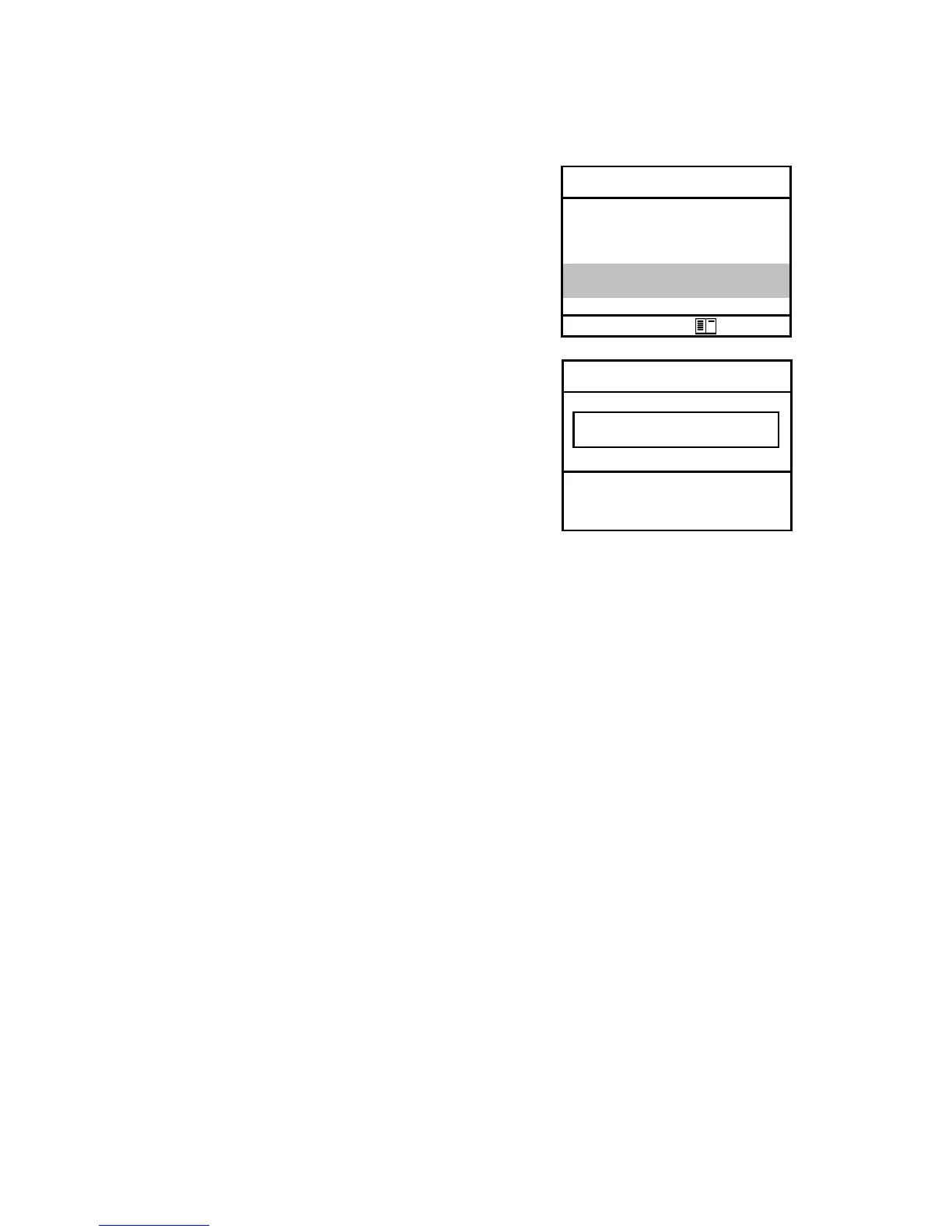
Create new (is automatically selected
by first use of a MM card): To create a
new file, a numerical number can be
assigned.
-Select „Create new“
-Confirm with <OK>.
-Input a number (max. 16 numbers):
Example: "25.11.2007"
Tip: We suggest a date-related input to easily find the data record
later on via the search function (search per date).
After confirming with <OK> it is possible to enter a text (max. 6 lines
with 20 indications) with a software keyboard (for print out or data
processing). Proceed as follows:
-choose Text line 1 with the cursor keys <up/down> and confirm
with <OK>
-select keyboard (4 keyboards are available) with <F3>
-select with the cursor keys <up/down/right/left> a character
(selected character is black deposited)
-choose the character with <OK> (the last character can be deleted
by pressing <F2>)
-repeat procedure, until line is complete
-if you want to correct a character, proceed as follows:
-interrupt choosing characters with <F4>
-select character with the cursor keys <right/left>
-activate choosing characters with <F4> and set a new character
-select the next line after pressing <F1>
You can close the text input with <ESC>. Activate the next free rec-
ord number with <OK> and start flue gas measurement with <F1>.



 To Next Page