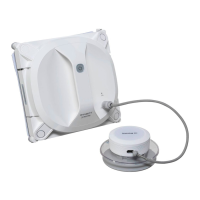
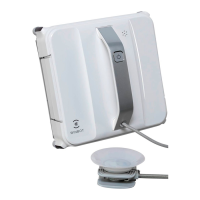
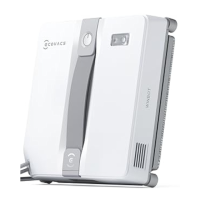
Enjoy smarter life
ENG - 73
ENG
1. Package Contents & Part Name ..........................................................................................75
1.1 Package Contents ..........................................................................................................75
1.2 Part Name ......................................................................................................................76
1.3 Technical Parameters .....................................................................................................76
2. Safety Instructions ...............................................................................................................77
2.1 About this Instruction Manual .........................................................................................77
2.2 Winbot Power .................................................................................................................77
2.3 Product Application Range .............................................................................................78
2.4 Product Precautionary Items ..........................................................................................79
2.5 About Children Safety ....................................................................................................79
2.6 Product Disposal ............................................................................................................80
2.7 Replacement of Winbot’s Battery and Disposal of Used Batteries ................................80
2.8 Cases of Product Problems ...........................................................................................80
3. Preparation Before Use........................................................................................................80
3.1 Charging Winbot’s Backup Battery ................................................................................80
4. Use of product ......................................................................................................................81
4.1 Placement of Winbot ......................................................................................................81
4.2 Product Start .................................................................................................................82
4.3. Product Pause ...............................................................................................................82
4.4. Product Stop .................................................................................................................83
4.5 Product Restart ..............................................................................................................83
5. Accessories ..........................................................................................................................84
5.1 Safety Pod ......................................................................................................................84
5.2 Remote Control ..............................................................................................................84
6. Day-to-day Storage...............................................................................................................85
7. Product Maintenance ...........................................................................................................85
7.1 Cleaning the Unit ............................................................................................................85
7.2 Cleaning and Replacing Cleaning Cloth ........................................................................85
7.3 Squeegee .......................................................................................................................86
7.4 Cleaning Driving Treads .................................................................................................86
7.5 Infrared Transceiver .......................................................................................................86
7.6 Cupule ............................................................................................................................86
8. Meaning of Indicators .........................................................................................................87
9. Alarm & Solutions ...............................................................................................................87
10. Common Malfunctions .......................................................................................................88
11. Check of Battery Status .....................................................................................................89
12. Questions and Answers .....................................................................................................89
CONTENT


 To Next Page
 Loading...