EasyManua.ls Logo

Edimax IC-1520DP - User Manual

Edimax IC-1520DP
117 pages
Print Icon
To Next Page IconTo Next Page
Loading...
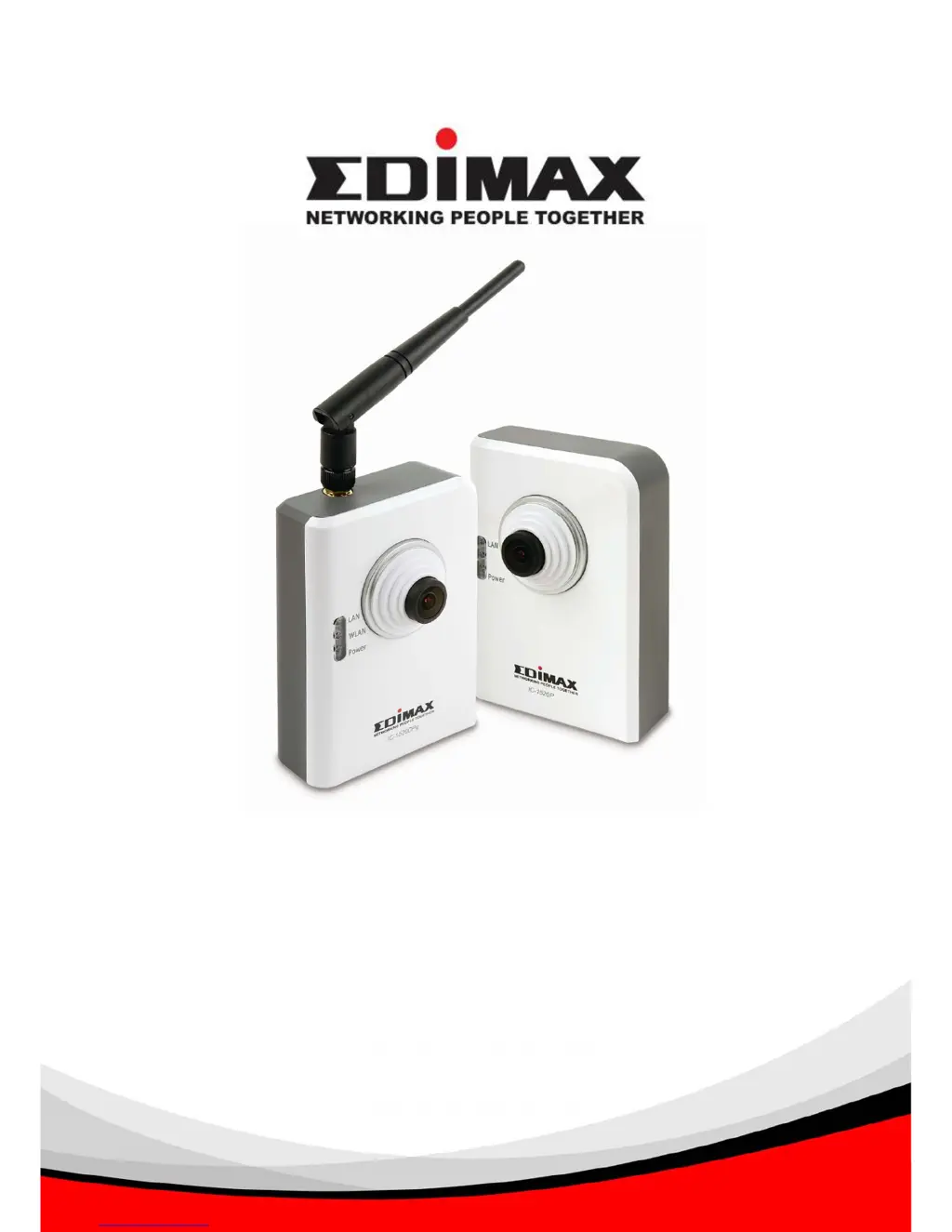
Wire / Wireless / Power over Ethernet
Digital Pan/Tilt Internet Camera
IC-1520DP / IC-1520DPg / IC-1520POE
Quick Installation Guide
Version: 1.0 (October, 2007)

Other manuals for Edimax IC-1520DP

Questions and Answers

  • A
    Alicia HenryAug 11, 2025
    What to do if Edimax Webcam image refreshes very slow?
    • M
      michaelstephensAug 11, 2025
      If your Edimax Webcam image is refreshing slowly, consider the following: * Try increasing the frame rate, if it's set to less than 30. * Try lowering the resolution. * If connecting via the internet, a slow internet connection could be the cause. Use a lower frame rate or resolution in this case. * Adjust the antenna for better wireless reception, ensuring it's perpendicular to the ground and not too far from the computer or wireless access point.
  • J
    Jerry HendersonAug 18, 2025
    What to do if Edimax Webcam is not responding?
    • B
      Bryan BenderAug 18, 2025
      If your Edimax Webcam is not responding, try these steps: 1. Check if the network cable or wireless connection is properly connected. 2. Unplug the power adapter from the wall socket, wait 10 seconds, and then plug it back in. Try connecting to the webcam again.
  • T
    Tina SantosAug 26, 2025
    Why is my Edimax Webcam image fuzzy?
    • C
      Cheryl JensenAug 26, 2025
      If the image from your Edimax Webcam appears fuzzy, try these solutions: * Adjust the focus ring on the camera until the image becomes clear. * Clean the lens with a soft cloth. You can use water, but avoid alcohol or chemical solutions. * Try adjusting the brightness setting. * If the location has lights, switch them on to see if the image improves.
  • E
    Erik CookSep 2, 2025
    What to do if Edimax Webcam doesn't send images by Email or FTP?
    • R
      Richard WashingtonSep 2, 2025
      If your Edimax Webcam is failing to send images via Email or FTP, check the following: * If sending by Email, ensure it's not being blocked by any anti-spam mechanisms. * Make sure you have sufficient permissions for FTP uploading. * Verify that the username and password for the SMTP server are correct, especially if your SMTP server requires authentication. * Check the log for any error messages related to FTP upload or Email sending, as these may provide clues to the problem. * Change the threshold to a more sensitive setting.

Edimax IC-1520DP Specifications

General IconGeneral
Resolution1280 x 720
Frame Rate30 fps
Connectivity/InterfaceUSB 2.0
CompatibilityWindows, Mac OS
MicrophoneBuilt-in microphone
MountingClip-on