48
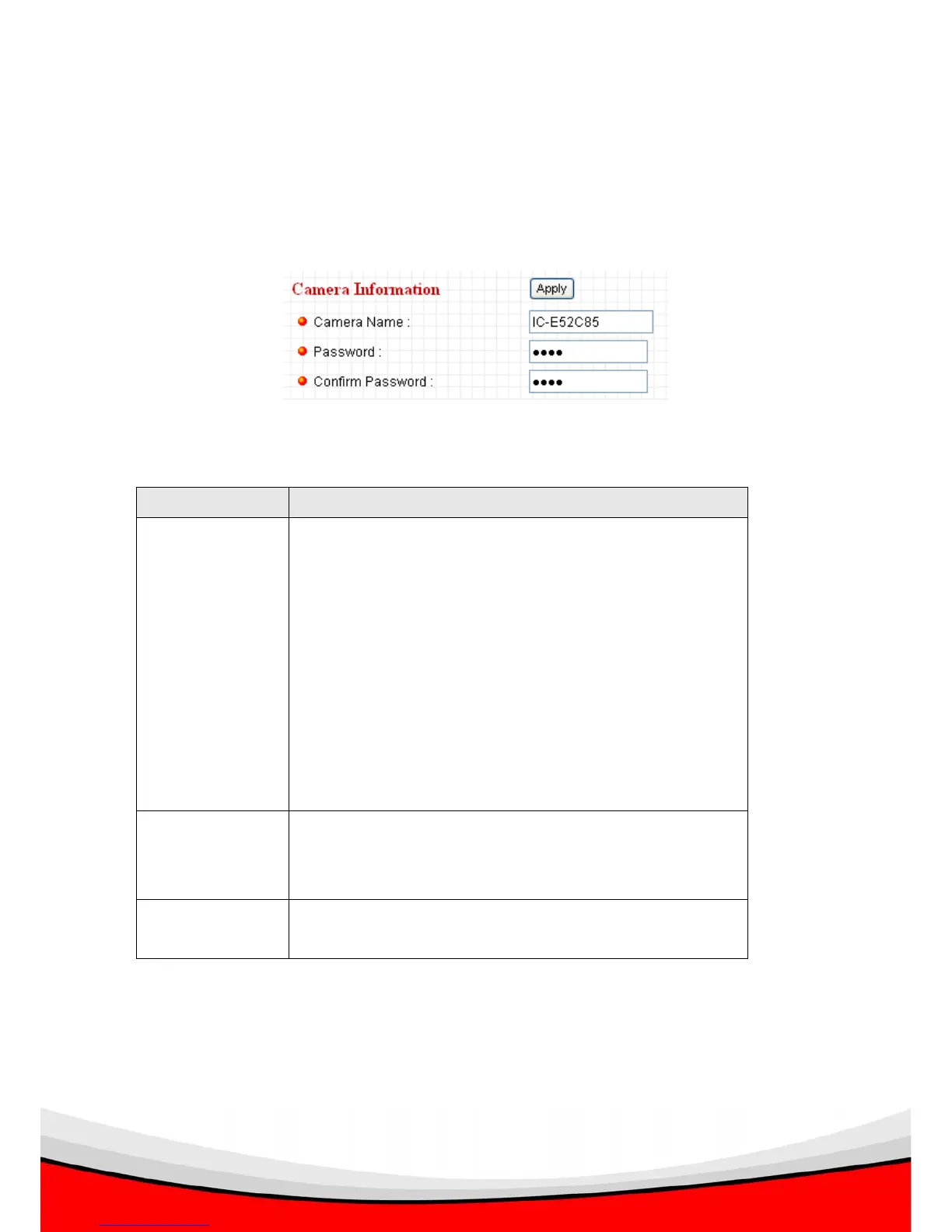
2.7.1 Camera Information
Camera information allows you to set the name and administrator’s password of this
camera.
The descriptions of every setting in this menu will be given below:
Item Description
Camera Name Please specify the name of this IP Camera here. This
can be used to identify your camera on the network
when you have more than one IP camera in the same
network.
Default name begins with ‘IC-‘ plus the last 6 characters
of the MAC address of this IP camera. You can modify
the name to the one you can remember and meaningful
to you, but never give all IP cameras in the same
network with same name.
Password Please specify user name ‘admin’ ‘s password here.
(The one you need when you log onto web management
interface and use ‘admin’ as user name.
Confirm
Password
Please input the same password again, to make sure
there’s no typo.
Click ‘Apply’ to save settings and make the new settings take effect.



 To Next Page