66
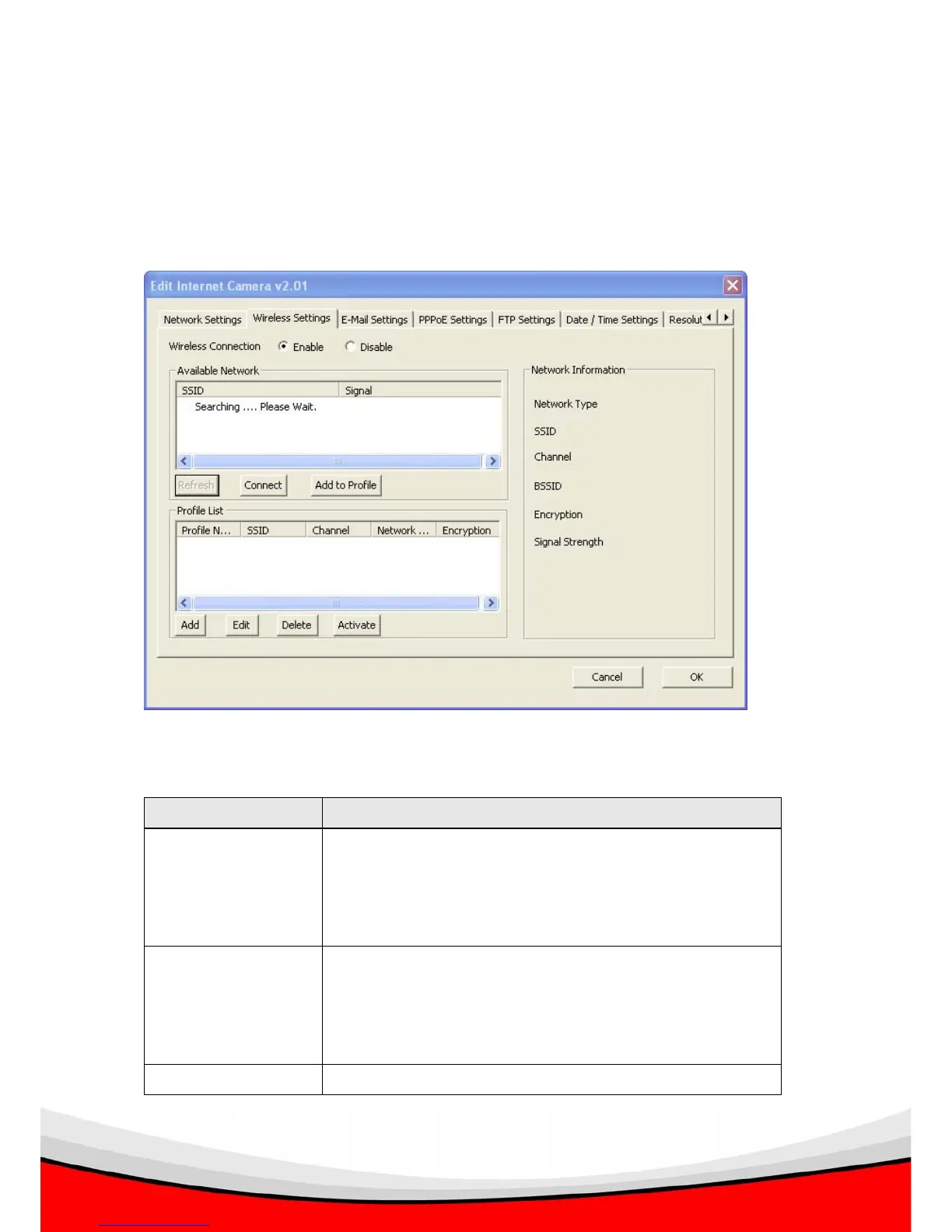
3.3.2 Wireless Settings (For IC-1520DPg only)
The ‘Wireless Settings’ tab lets you to configure the wireless network settings of the
IP camera.
The descriptions of every setting in this menu will be given below:
Item Description
Wireless Connection Select ‘Enable’ to enable the wireless interface of this IP
camera; select ‘Disable’ to switch wireless interface off. If
the wireless interface is disabled, all setting items in this
tab will be grayed out.
Available Network Shows all wireless devices found, and their SSID (the
name of wireless device) and signal strength. If the SSID
of wireless device is hidden, the ‘SSID’ of the wireless
device will appear blank.
Refresh Click to search wireless devices again. Sometime a



 To Next Page