88
3.4.1 Connecting to IP Camera
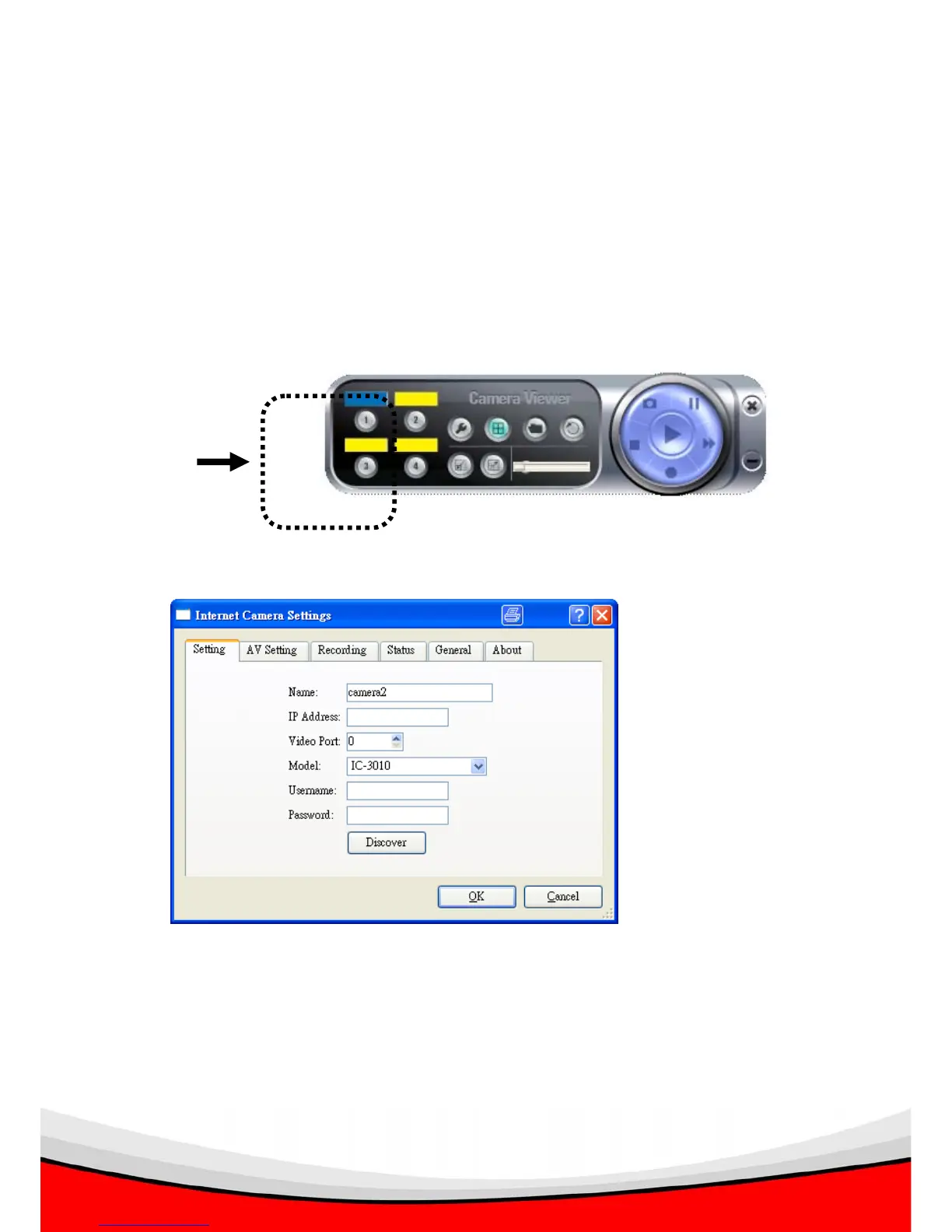
Before you can view the image captured by IP camera, you need to input camera
information, so viewer utility can connect to IP camera and display the image for you.
Please follow the following instructions to input camera information:
1. Click one of camera number you wish to use:
2. The following setup window will appear:
The descriptions of every setting in this menu will be given below:



 To Next Page