80
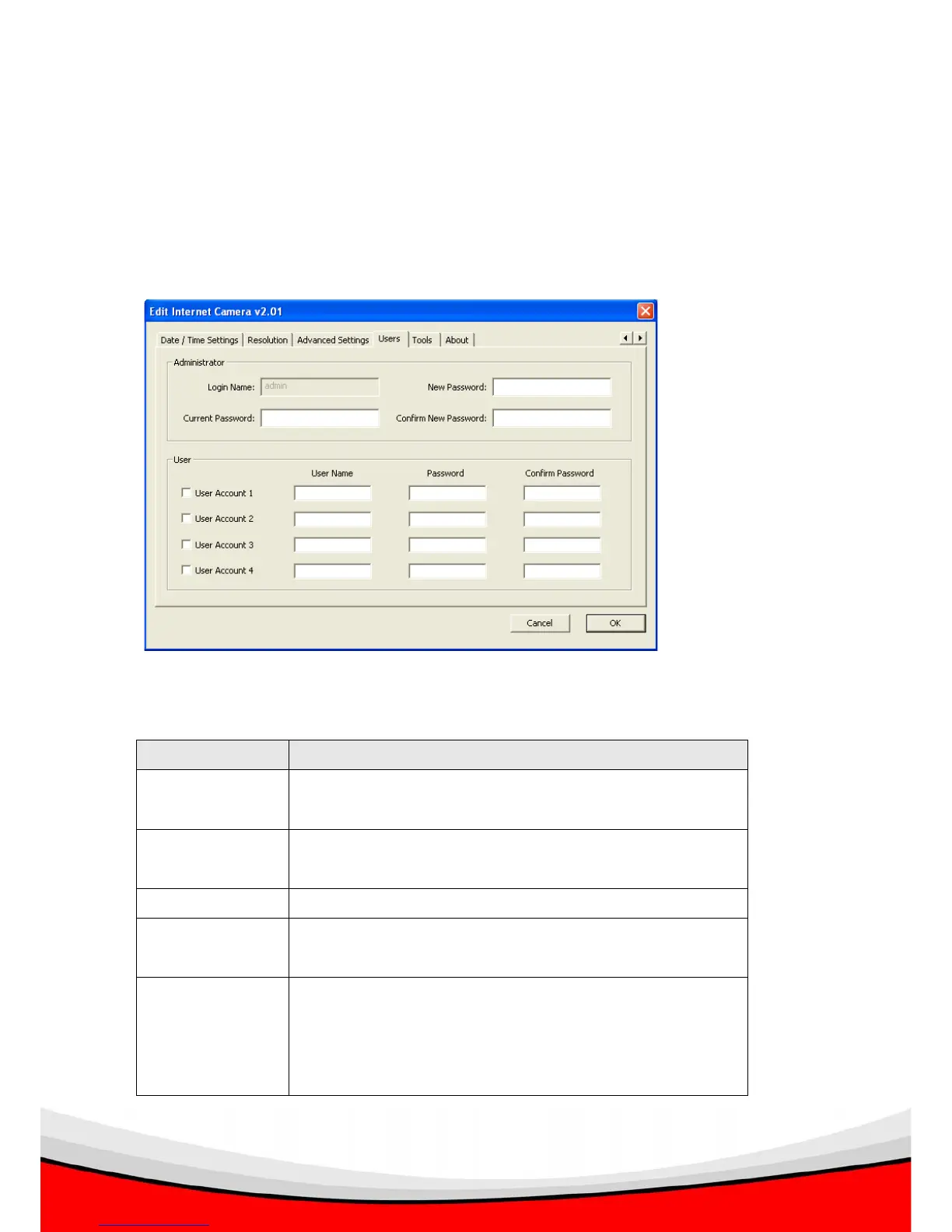
3.3.9 Users
You can change IP camera administrator’s password here. You can also create up to
4 users which only have permission to view the image captured by IP camera, but
can not modify the settings of the IP camera.
The descriptions of every setting in this menu will be given below:
Item Description
Login Name The login name of administrator. This field is grayed out
and can not be modified.
Current
Password
Specify current password here. If current password is not
correct, administrator’s password can not be modified.
New Password Specify new password here.
Confirm New
Password
Specify new password here again.
User Account (1 -
4)
Check the box before ‘User Account (1-4)’ to enable this
user (allow him / her to login), and select ‘Disable’ to
disallow him / her to login.



 To Next Page