26
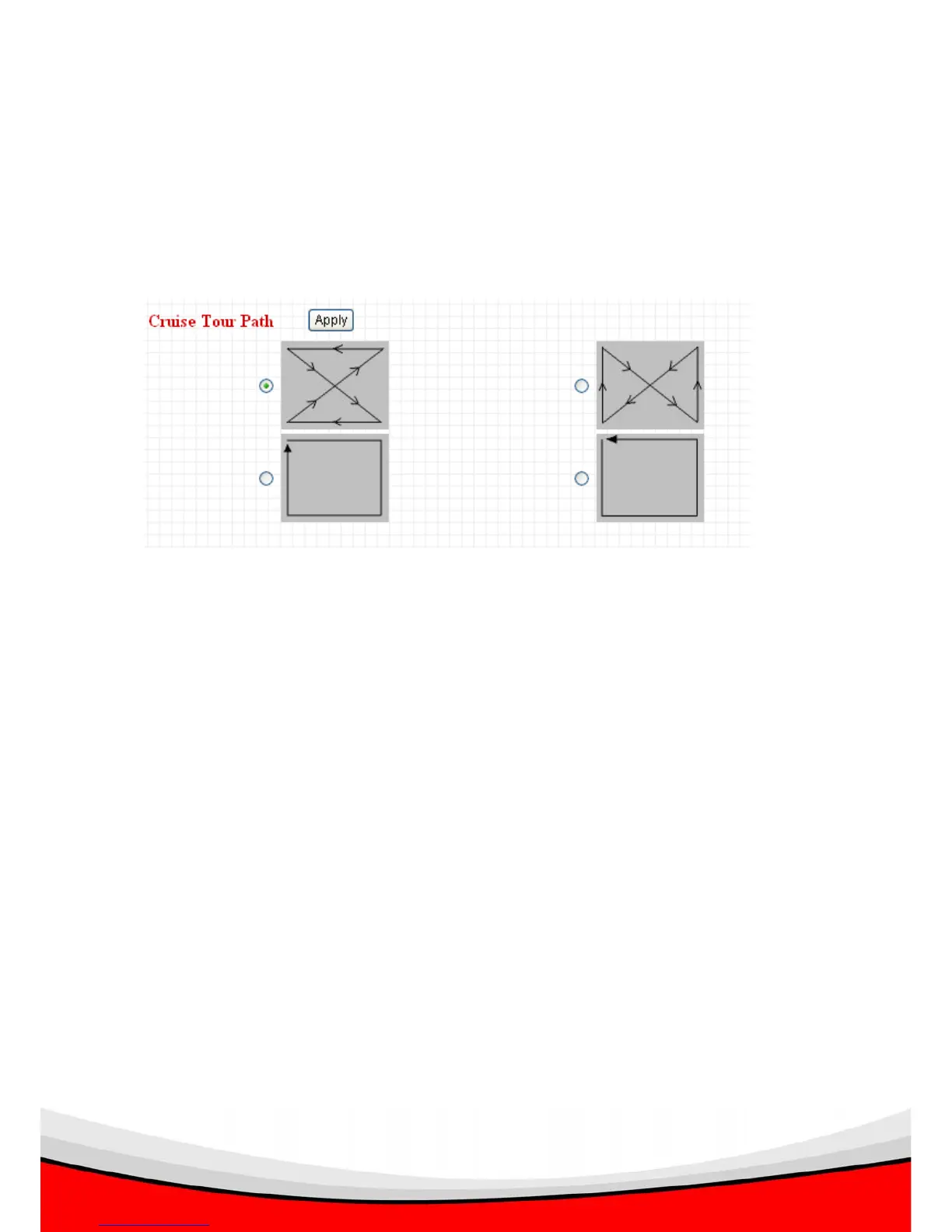
2.2.2 Cruise Tour Path
You can select one cruise tour path from 4 available options. If you want to start
camera cruise, please go to ‘Camera’ menu and click ‘Start Cruise Pan / Tilt’ button to
begin cruise.
Please select one of cruise, and click ‘Apply’ to select a cruise mode, you have to go
back to ‘Camera’ menu to see it in action.



 To Next Page