25
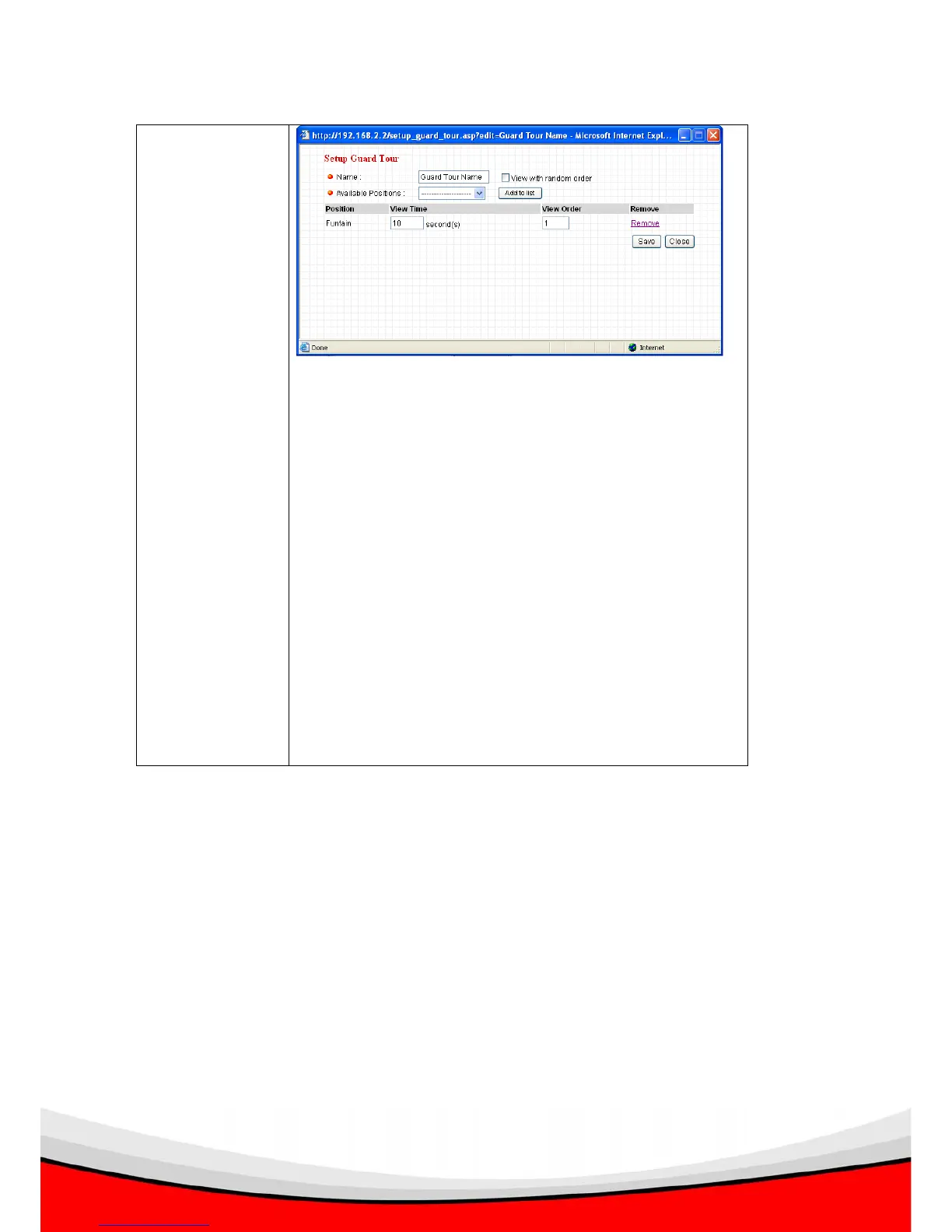
View Time: Define the time you wish to stop at this
position in seconds.
View Order: Give this position a number greater than 1
and not the same with other positions, and grand tour
will start visiting positions by order (from 1 to last
number, and then start from 1 again).
Remove: Remove this position from list.
Save: Save settings for this position.
Close: Close this window and discard all changes.



 To Next Page