85
3.4 Camera Viewer
The camera viewer is the utility to view the video / image captured by IP camera. Up
to 4 cameras can be connected simultaneously. You can also use this utility to
capture still images / record videos, and store them in the hard disk of your computer.
Before you can connect to any IP camera, you must collect the following information:
IP Camera’s IP address
Video port number
Model No. (This viewer supports IC-3010, IC-1001, and IC-15XX series)
Username and Password
And click ‘IP Camera Viewer’ icon to launch IP camera viewer.
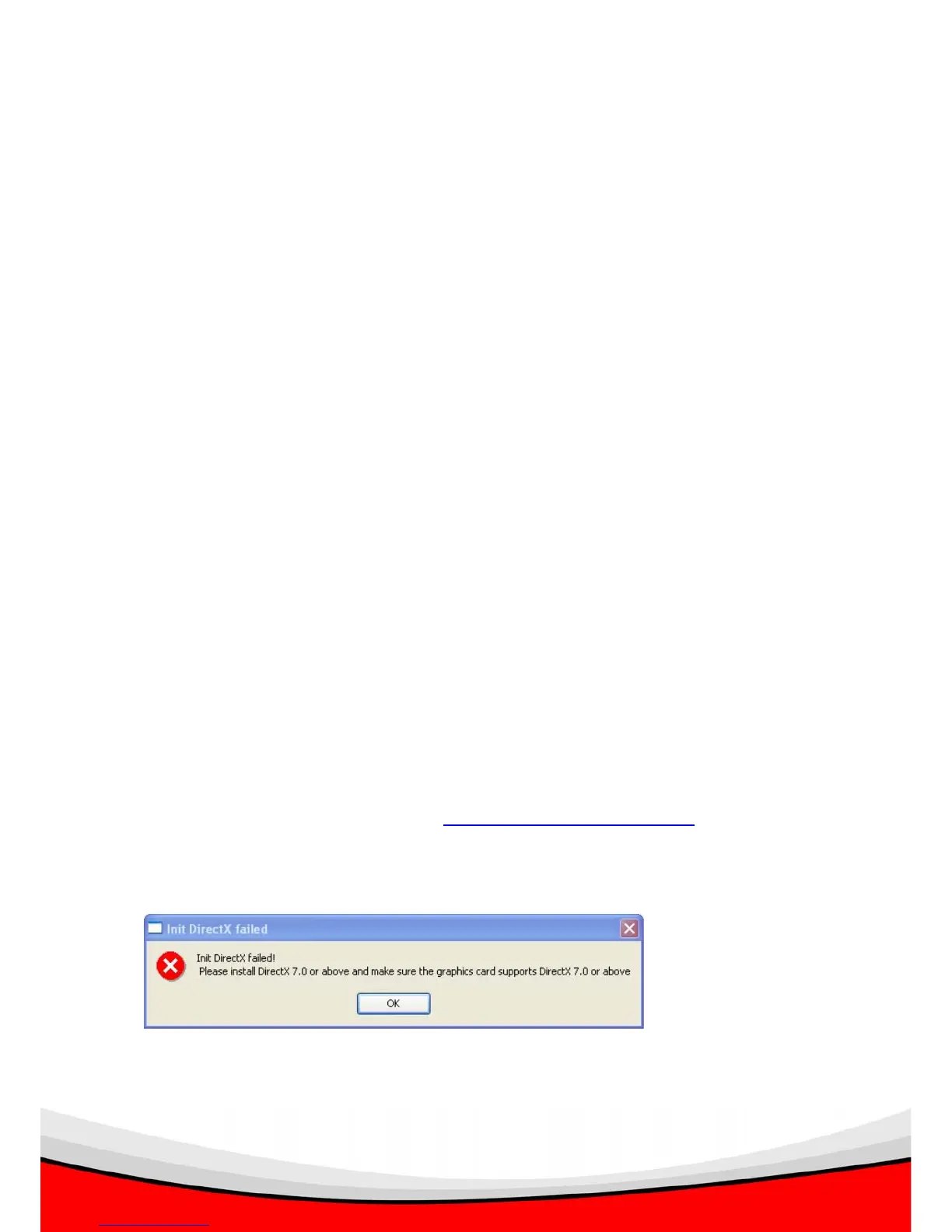
NOTE: If the following message appears when you launch IP camera viewer, it
means your computer does not equipped with DirectX® compatible video card, or
DirectX® is not installed. Please go to http://www.microsoft.com/directx
to download
latest version of DirectX®, if this does not help, please consult your computer dealer
or manufacturer for assistance.



 To Next Page