77
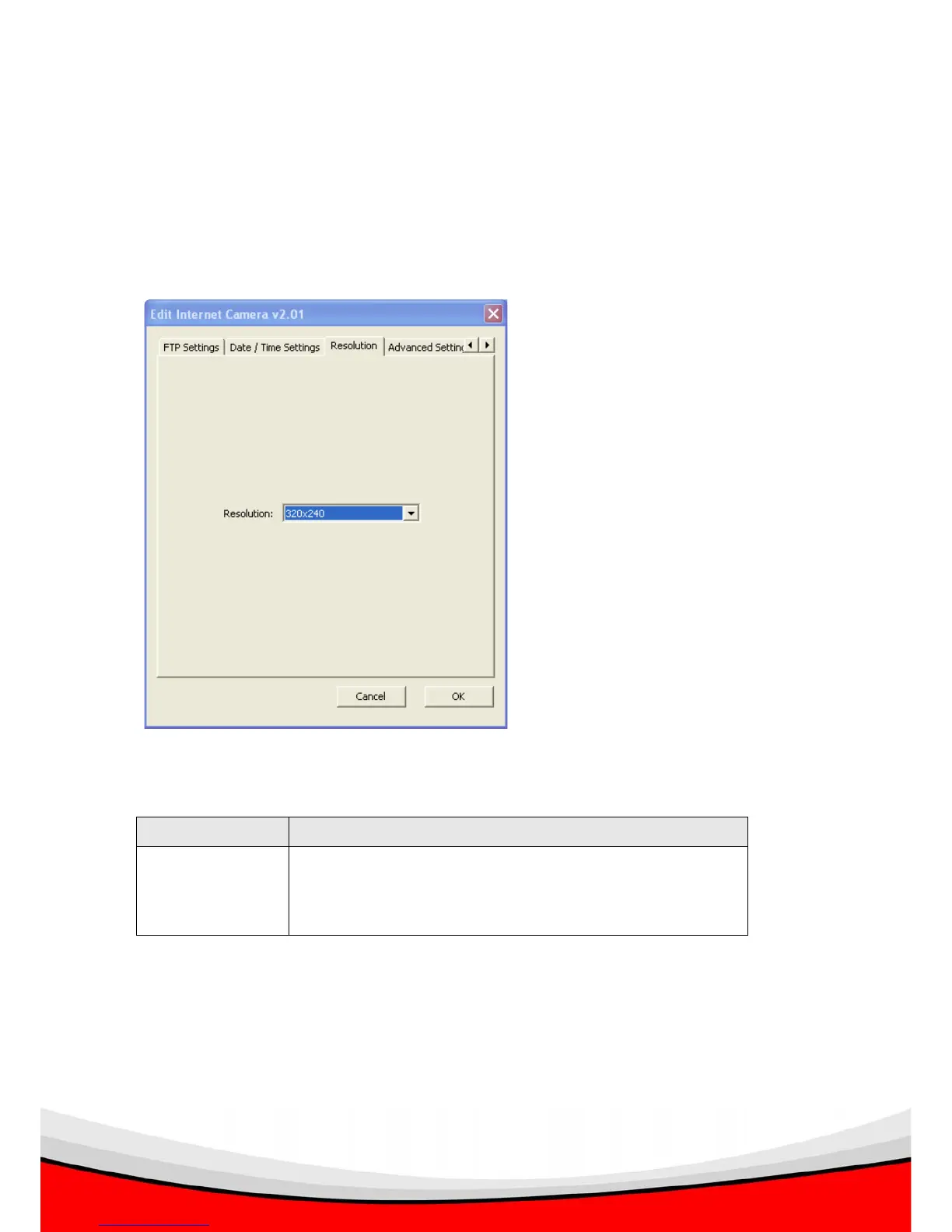
3.3.7 Resolution
You can set the resolution of the video / image captured by IP camera. Higher
resolution setting will provide more details of the image, but will consume more disk
storage space and network bandwidth.
The descriptions of every setting in this menu will be given below:
Item Description
Resolution Select resolution from drop down menu, available
options are 160 x 120, 320 x 240 (QVGA), and 640 x
480 (VGA)
After all settings are completed, click ‘OK’ to save settings, or click ‘Cancel’ to abort
and discard changes.



 To Next Page