43
2.5.2 FTP Settings
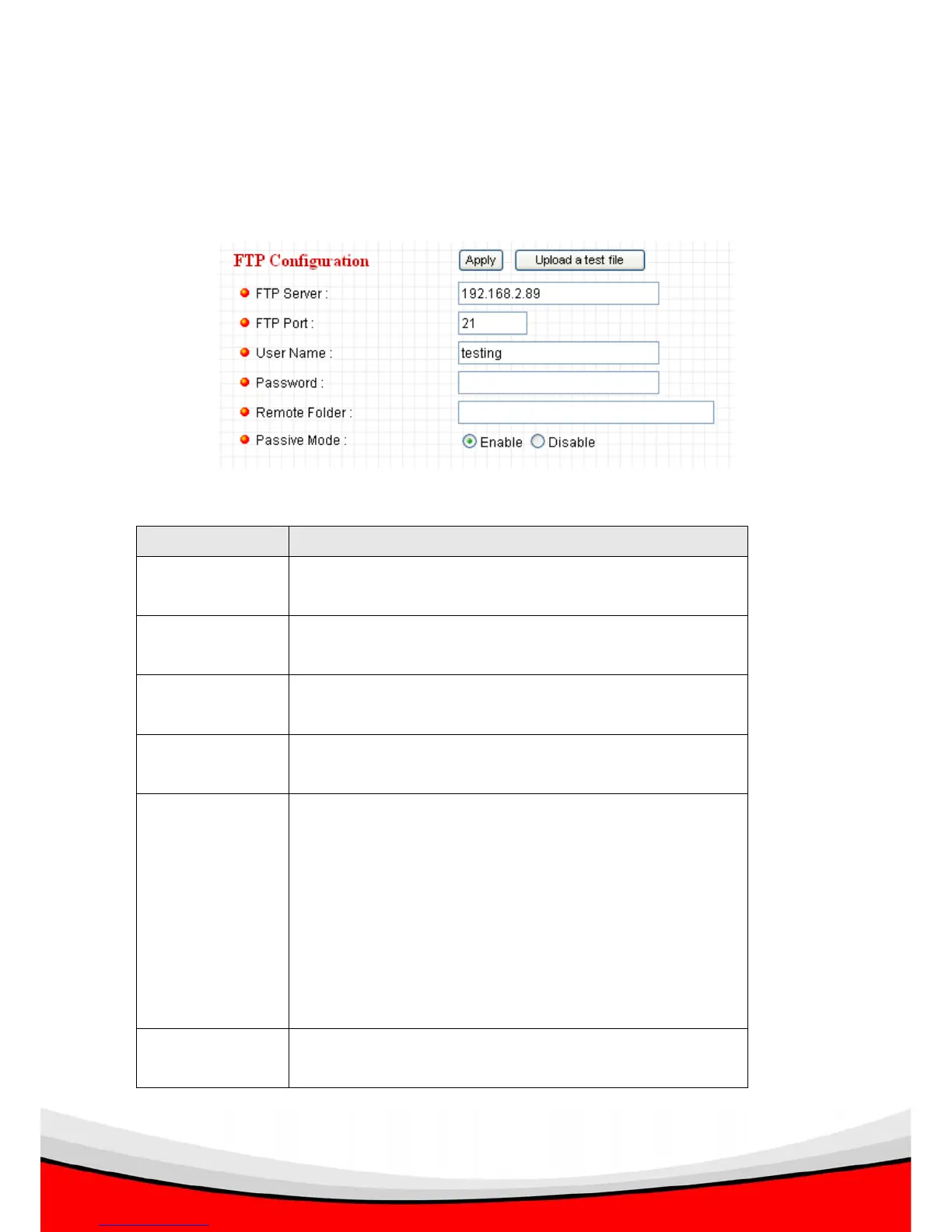
These settings are used to send the captured picture by FTP:
The descriptions of every setting in this menu will be given below:
Item Description
FTP Server Input the IP address or host name of the FTP server you
wish to use here.
FTP Port Input the port number of the FTP server you wish to use
here.
User Name Input the user name of the FTP server you wish to use
here.
Password Input the password of the FTP server you wish to use
here.
Remote Folder Input the remote folder name on the FTP server here. If
nothing is specified here, all uploaded image files will be
placed in FTP server’s root directory.
Please ask FTP server’s administrator to know which
folder you should use. Certain user name may have
restrictions and therefore can not place the file in the
directory not owned by the user.
Passive Mode Select ‘Enable’ to use passive mode to send file, or
select ‘Disable’ to not to use passive mode to send file.



 To Next Page