70
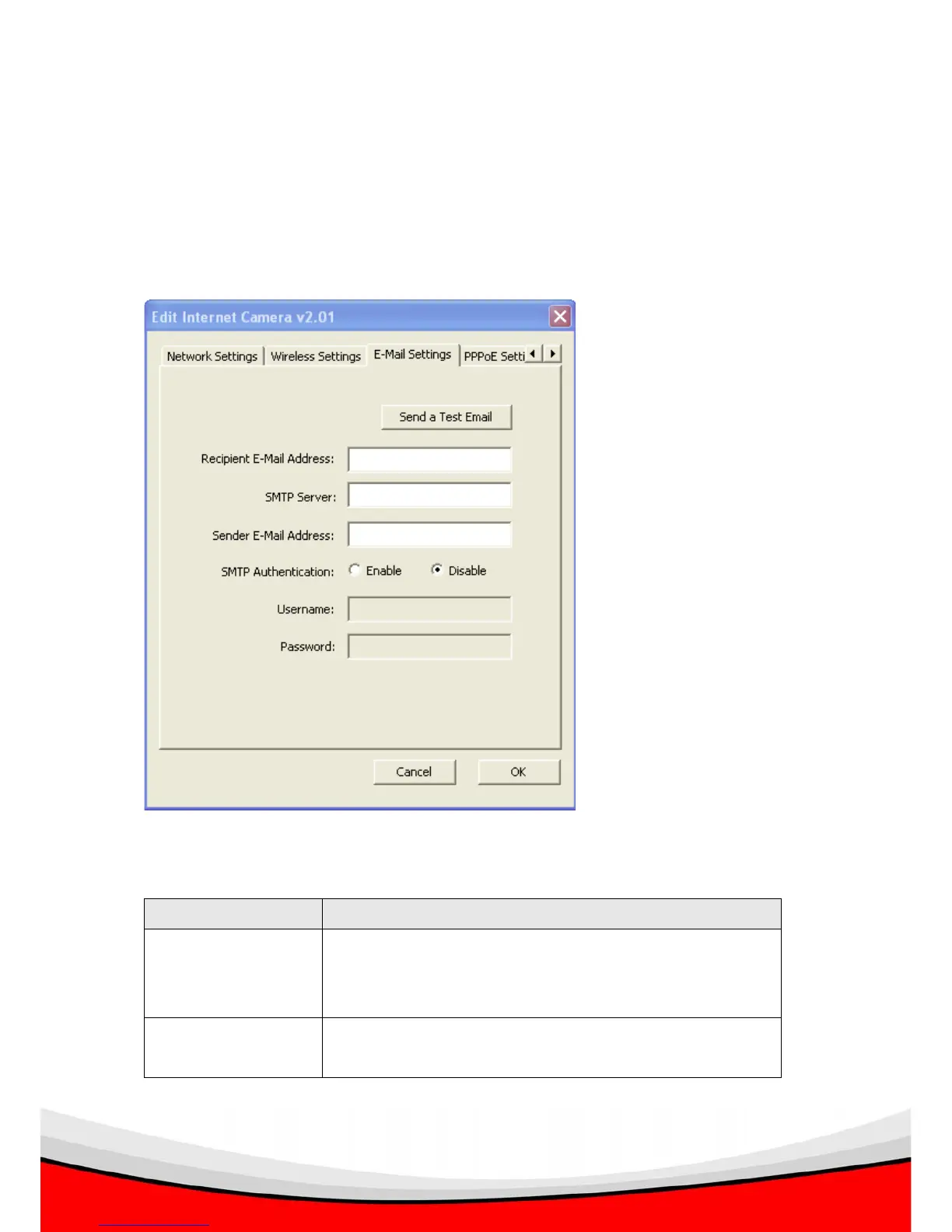
3.3.3 E-Mail Settings
The ‘E-Mail Settings’ tab lets you to configure the E-mail alert settings of the IP
camera. An E-mail will be sent to the address you specified here when the IP camera
detects motion, so you can be alerted by E-mail anywhere & anytime.
The descriptions of every setting in this menu will be given below:
Item Description
Send a Test Email After the settings in this page is complete and saved (by
clicking ‘OK’), you can click this button to send a test
E-Mail to verify if these settings are correct and working.
Recipient E-Mail
Address
Input the email recipient’s Email address here.



 To Next Page