50
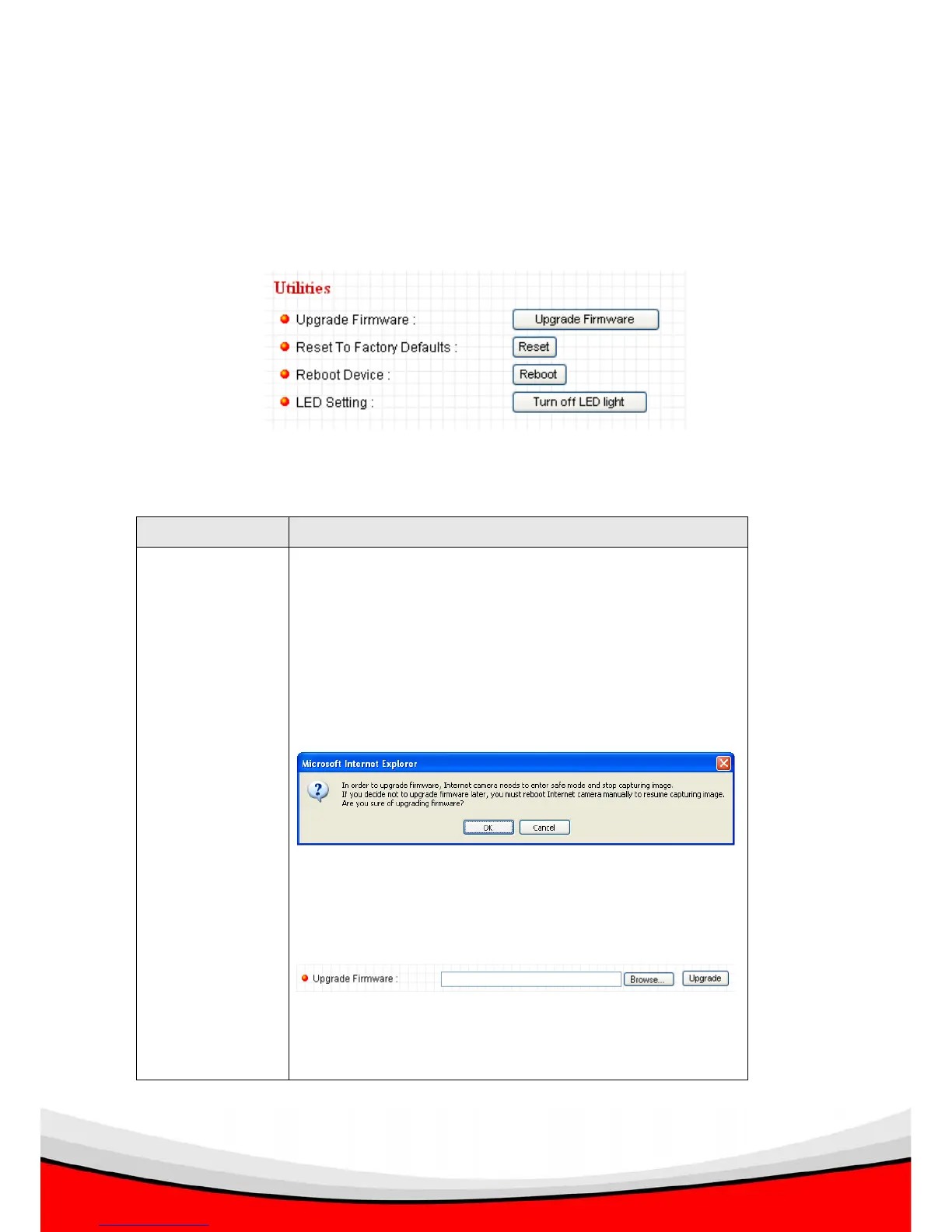
2.7.3 Utilities
This menu allows you to upgrade firmware, clear all settings, reboot the IP camera,
and switch LED lights on/off.
The descriptions of every setting in this menu will be given below:
Item Description
Upgrade
Firmware
If you downloaded latest firmware file from our website,
you can click this button to start to upload the firmware
file to the IP camera.
The following message will appear when you click this
button:
Click ‘OK’ to stop image capture, and you’ll be prompted
to provide the location of firmware file:
You can input the location in the field directly, or click
‘Browse…’ to select the file. Click ‘Upgrade’ to start



 To Next Page