23
2.2 PTZ
This IP camera supports PTZ (Pan, Tilt, Zoom) function, as you explored in last
section. You can also make the camera move automatically in PTZ menu by defining
a set of pre-defined path.
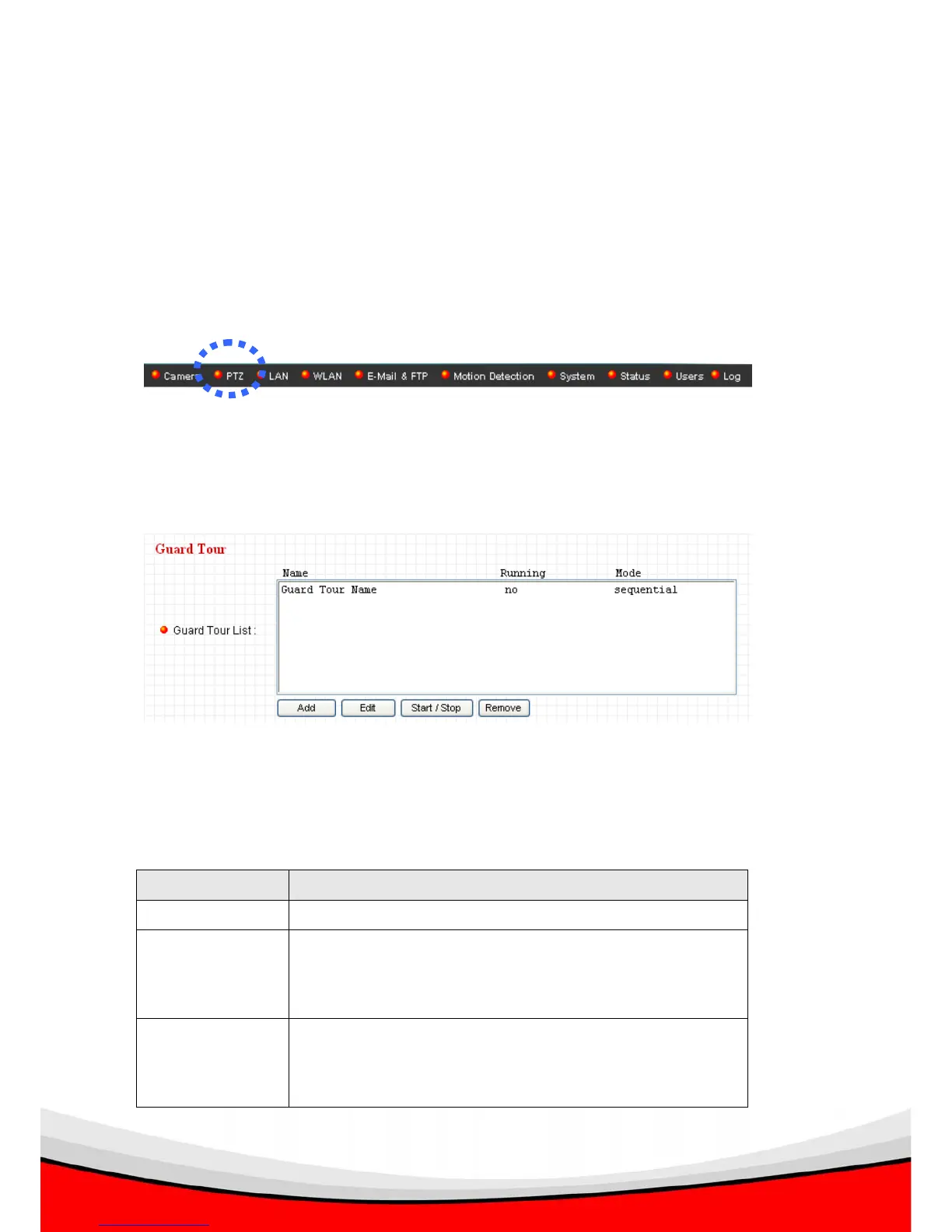
You can access this menu by clicking ‘PTZ’ on the top of web management interface.
2.2.1 Grand Tour
You can make the camera move between many pre-defined position, and define the
time you wish to pause at every position, this is called as ‘Grand Tour’.
Before you can use this function, you have to define at least 2 positions in ‘Camera’
section (refer to last section for detailed information).
The descriptions of every setting in this menu will be given below:
Item Description
Add Start to add a new grand tour (see instructions below)
Edit Edit a selected grand tour. The parameters for an
existing grand tour will be recalled and you can modify
them.
Start / Stop Select a grand tour and click this button to start grand
tour, click again to stop it. After a grand tour has been
started, go to ‘Camera’ menu to see it in action. Only one



 To Next Page