20
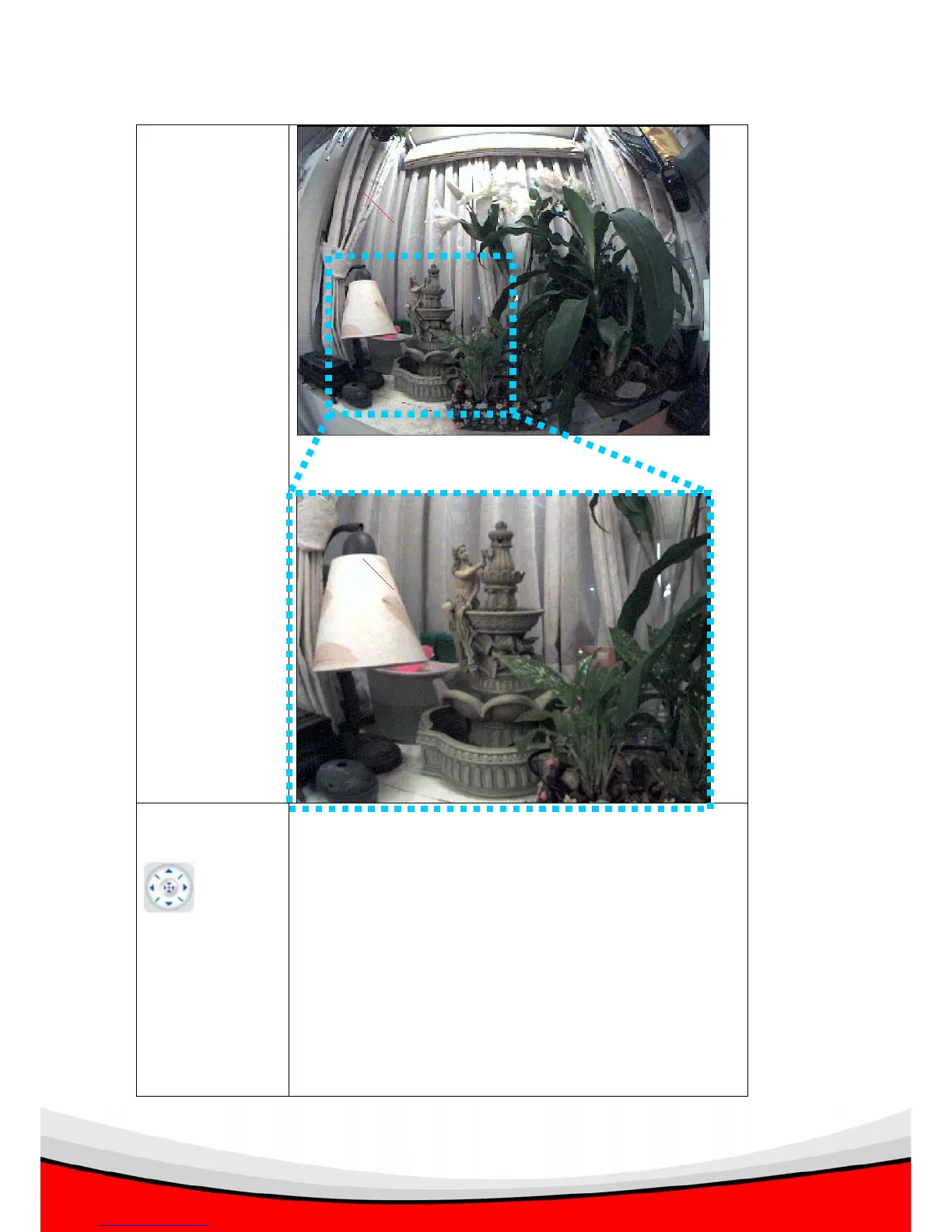
And click zoom in to see details:
Pan / Tilt
Control
There are 4 directions in pan / tilt control: Up, Down,
Left, and Right. Click the direction button to move
camera to respective direction.
Note: You can also click the image to move camera to
the direction you want. There are 8 direction available:
Up / Down / Left / Right, plus
Upper-right / Lower-right / Upper-left / Lower-left



 To Next Page