61
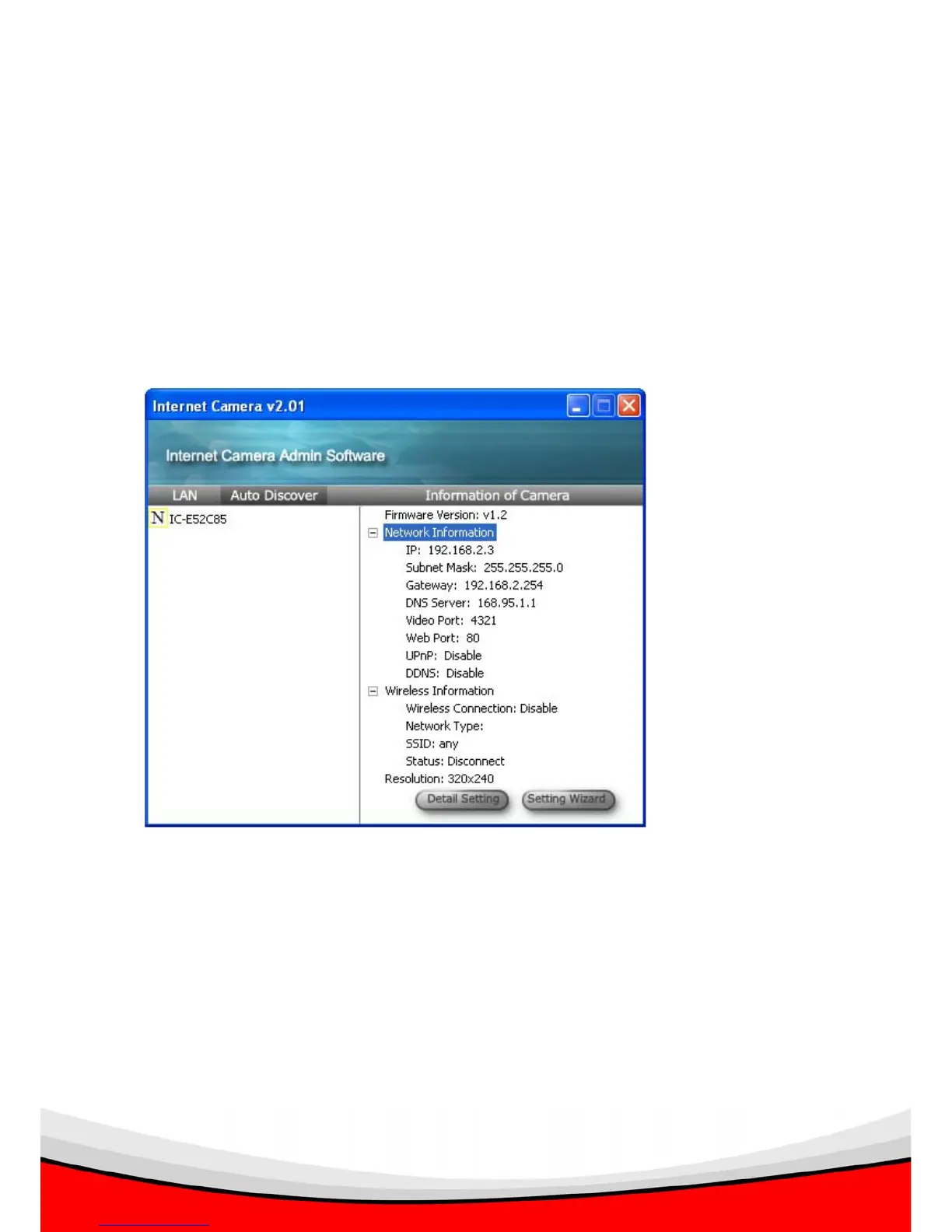
‘N’ indicates the camera is newly found and not configured;
‘D’ indicates the camera is disconnected, and
‘M’ indicates the camera is connected.
Please select a camera, and the camera’s current setting will be displayed at
‘Information of Camera’ section (right). You can click the ‘+’ sign at the left of ‘Network
Information’ and ‘Wireless Information’ to check respective settings of selected
camera:
If you want to change these settings, please click ‘Detail Setting’ or ‘Setting Wizard’.
If you only need to change the basic network setting, click ‘Setting Wizard’. You’ll be
prompted to input user name and password:



 To Next Page