63
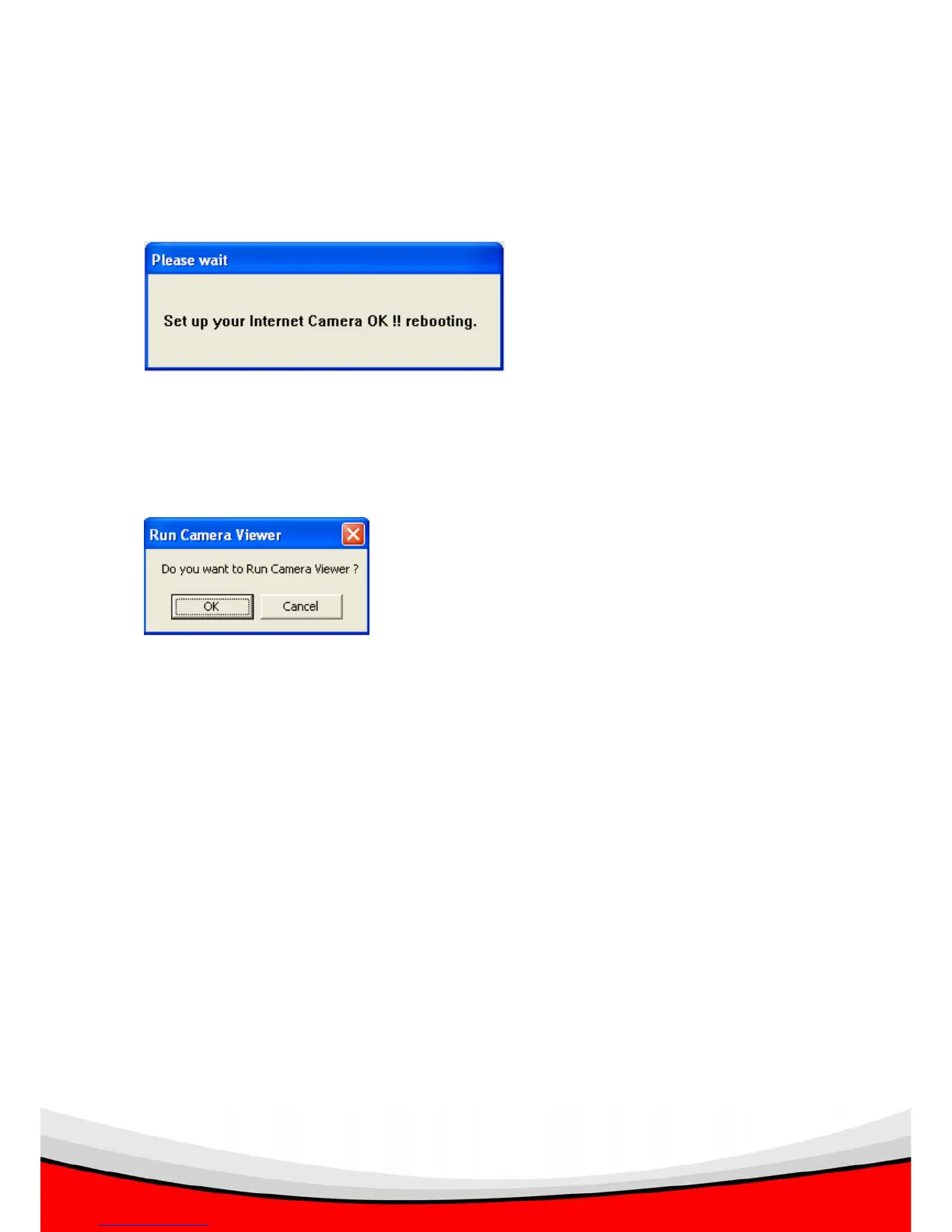
When you finish setting, click ‘Finish’, and you’ll be prompted that the camera is
rebooting:
The following message will appear after few seconds, if you wish to connect to the IP
camera and see the images captured by IP camera, click ‘OK’; otherwise click
‘Cancel’ to exit.
Please refer to section ** for detailed instructions of Camera Viewer.



 To Next Page