93
Item Description
Zoom Controls
These buttons can change the zoom rate of IP camera:
Zoom in (see more details about a certain place)
Zoom out (see more things which camera can get)
Full view (see everything which camera can get)
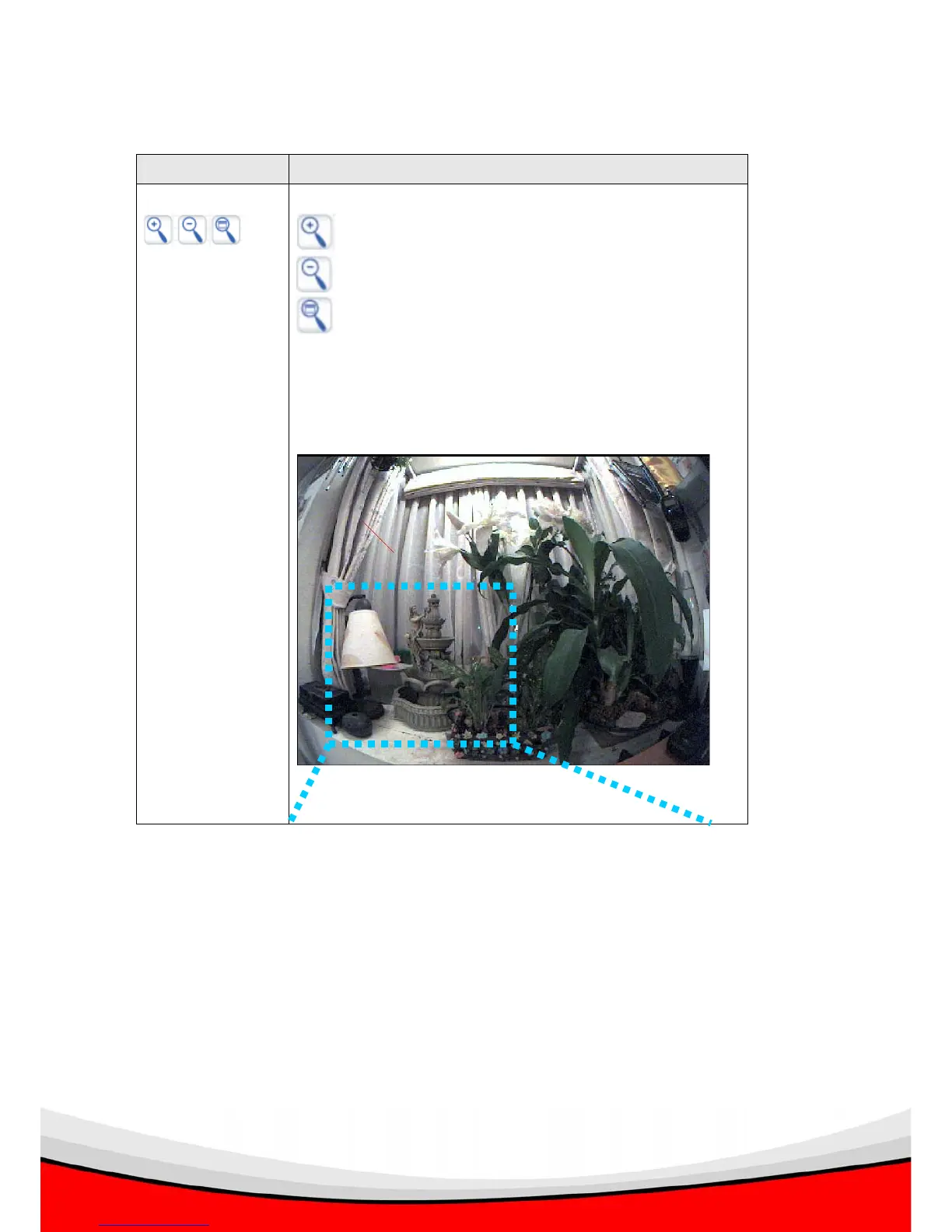
Example:
Click full view button to see everything camera can get:
And click zoom in to see details:



 To Next Page