102
Tap Done to add the network camera to the camera list. Tap Cancel to discard
changes.
iOS Surveillance Software Configuration Options
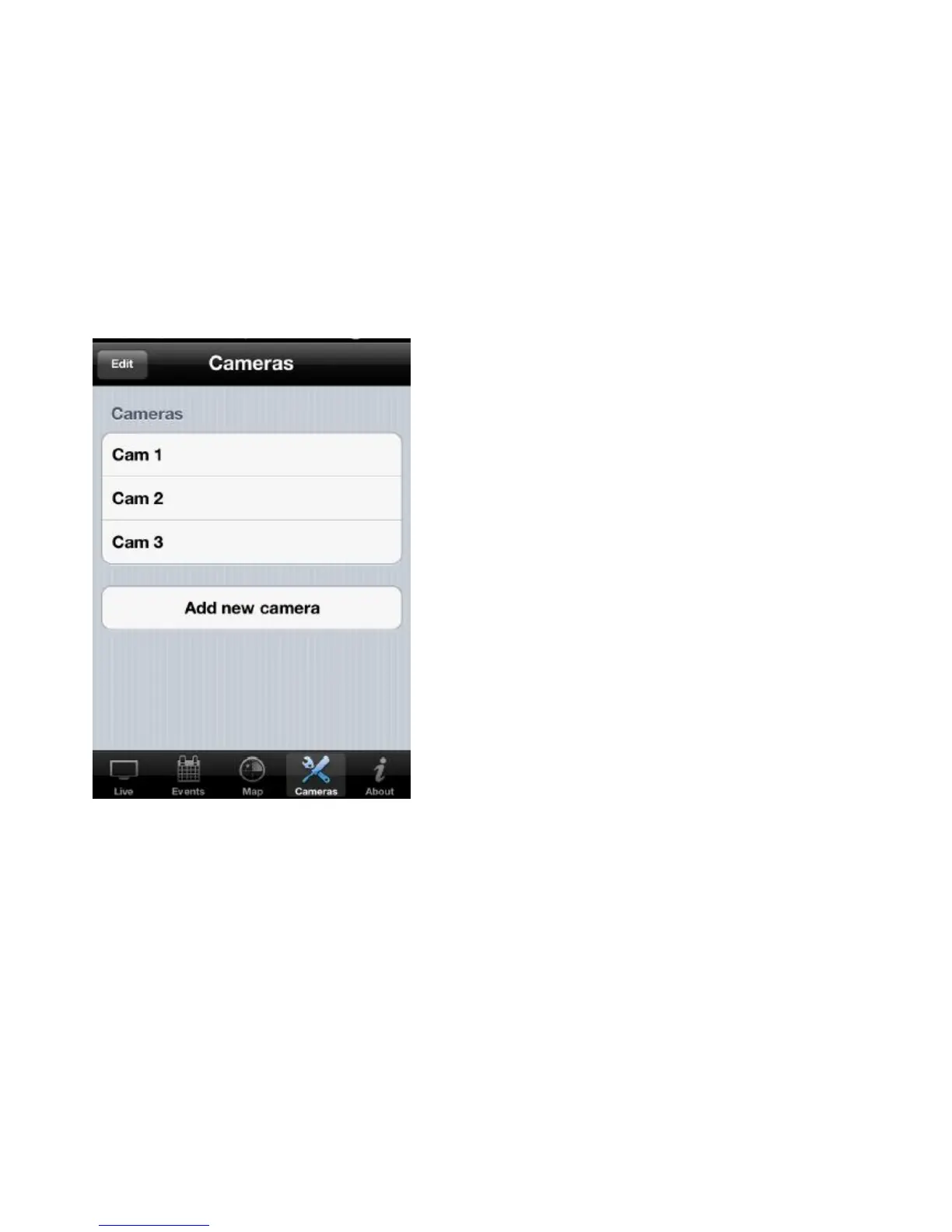
The EdiView application automatically searches the LAN for existing Edimax
network cameras and adds them to the camera list.
Tap a camera in the list to edit the configuration settings.
Configuring Network Settings on a LAN in IP Mode
Tap the text box of a parameter and enter new information to change the
network configuration settings.



 To Next Page