37
Chapter IV: Video Configuration
In video configuration setup page, you can change the resolution and frame rate,
so you can decide on video quality according to available bandwidth.
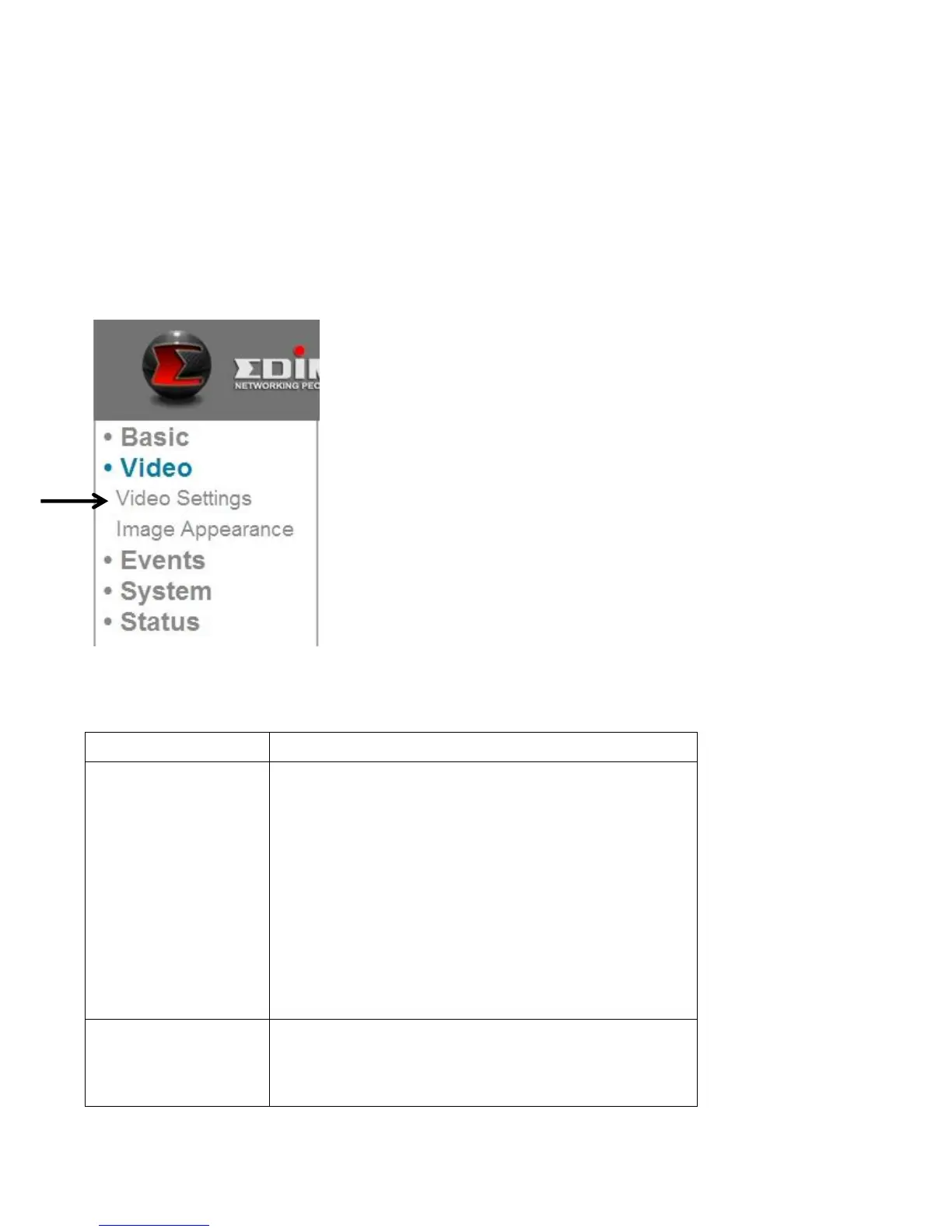
4.1 Video Settings
You can change resolution and frame rate settings here.
The descriptions of these items are listed below:
Change the video resolution from the
dropdown list. Available resolutions are:
SXVGA (1280 x 960)
VGA (640 x 480)
QVGA (320 x 240)
A higher resolution provides more video
details, but requires more bandwidth.
Select the maximum video frame rate. A
higher frame rate provides smoother
video, but also requires more bandwidth.



 To Next Page