Please note: When the environment is
dark, this network camera will
automatically adjust its frame rate to a
lower setting, to provide better video
quality by using a longer exposure time.
Select the AC utility power’s frequency (50
or 60Hz). This will help reduce the flicker of
video caused by certain types of
illumination.
If you don’t know the frequency of the
power you’re using, you can consult your
utility power company.
Click the ‘Apply’ button to save changes you made.
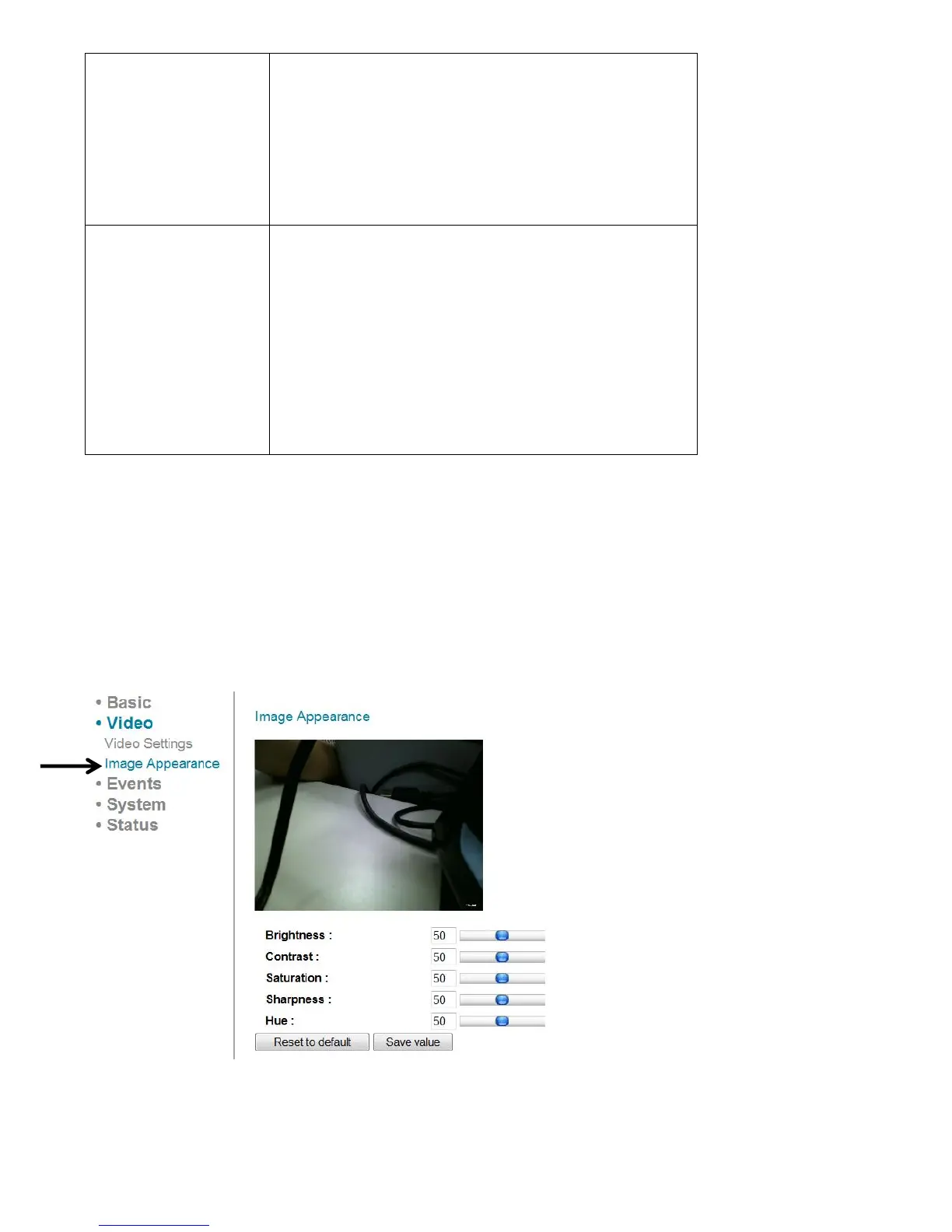
4.2 Image
You can change video appearance settings here.
The descriptions of these items are listed below:



 To Next Page