6
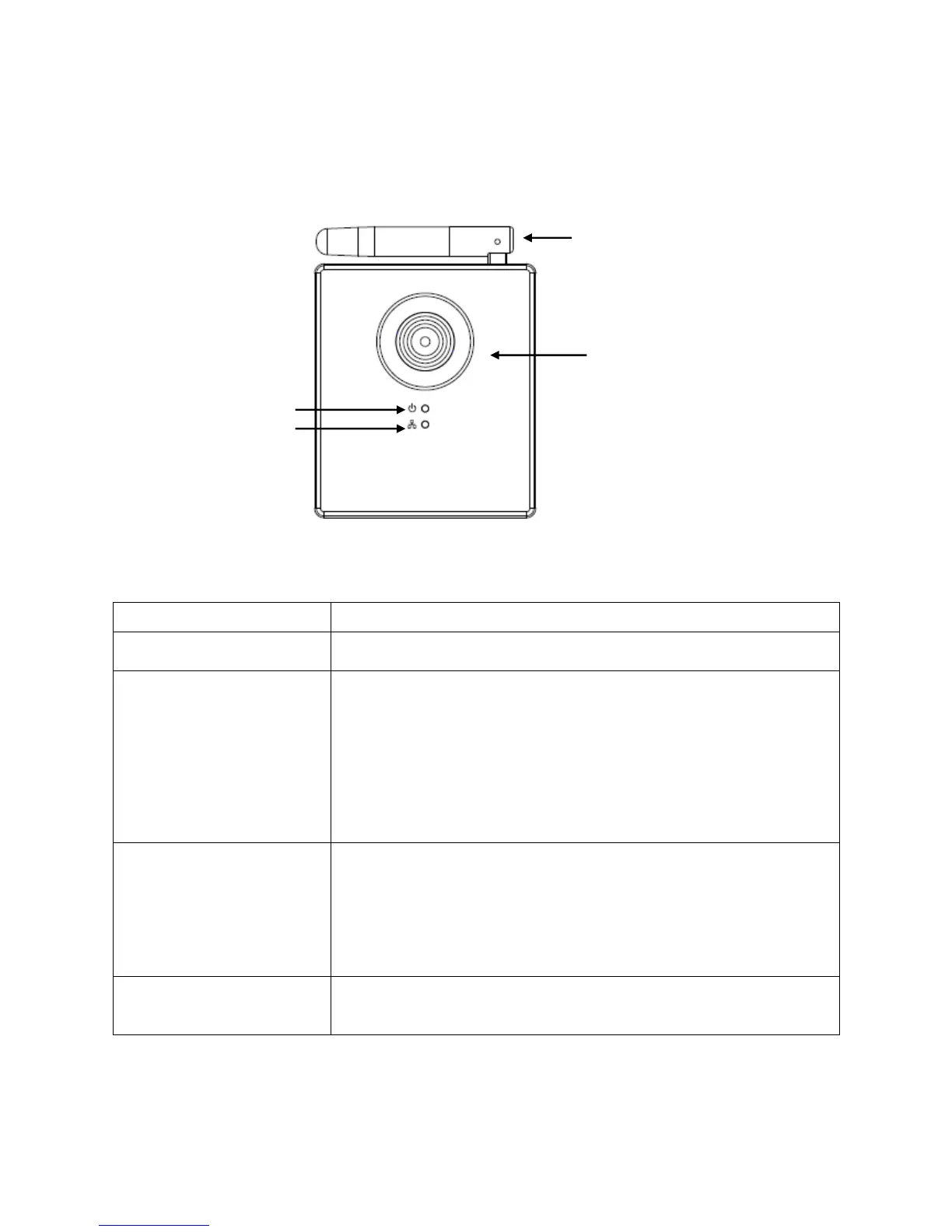
1.4 Familiarizing Yourself with your New Network Camera
[Front]
Network camera’s lens. Please keep the lens clean
and do not touch it directly with your finger.
When the camera is first powered on, the camera
will initialize itself, and the Power/Cloud LED will
light up for approximately 30 seconds. After
initialization is complete, the LED will flash for 10 to
15 seconds while camera attempts to connect to
the cloud.
When the LED stops flashing and stays on, the
camera has successfully connected to the cloud.
This LED will light up when the network camera is
connected to Ethernet network, and it will flash
rapidly when transferring data (It will flash slowly
when using WPS).
(The LEDs can be switched off even when the
network camera is powered on)
Wireless antenna. Please keep the antenna
perpendicular to the ground for best signal
reception.
Power / Cloud LED
LAN/Wi-Fi/WPS LED



 To Next Page