49
Chapter VI: System Configuration
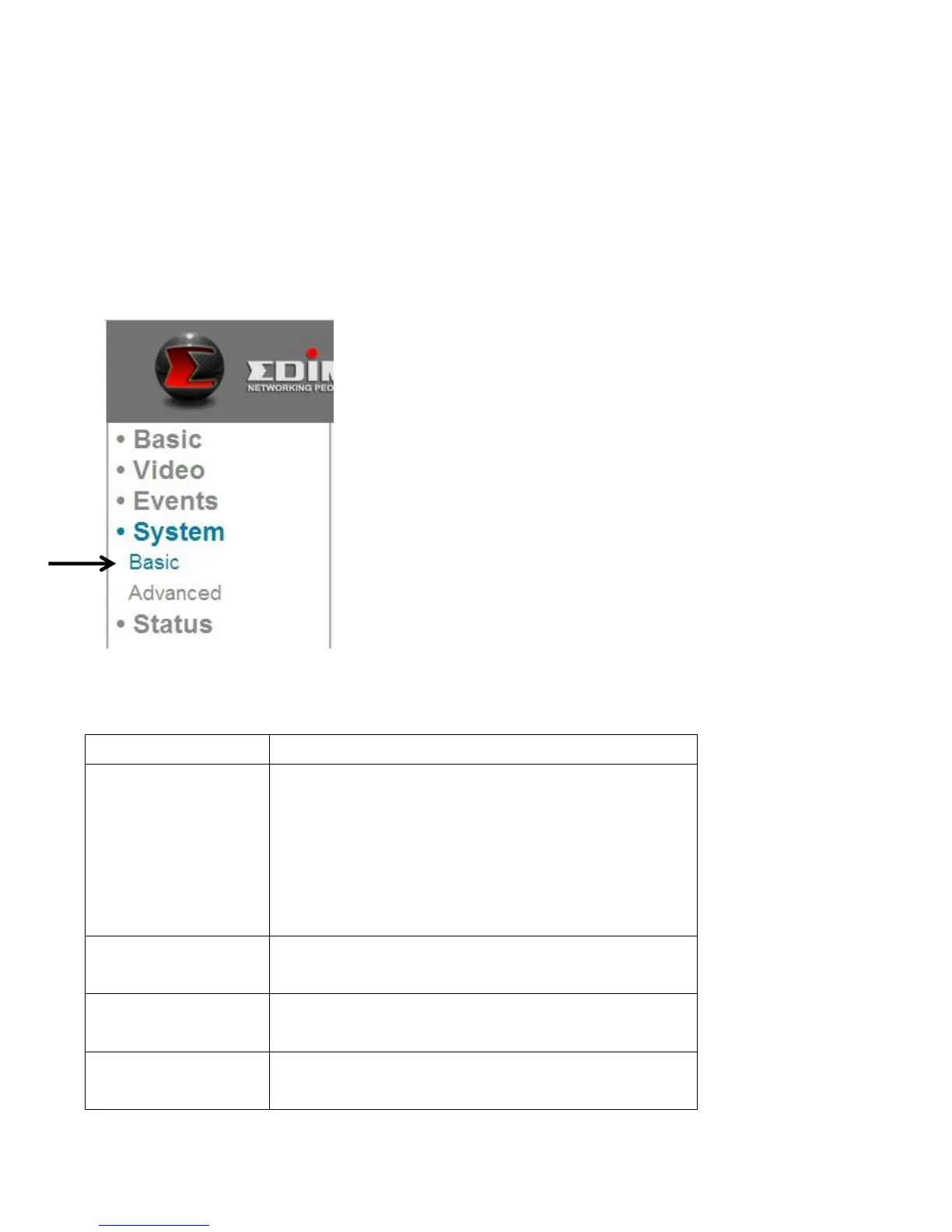
You can configure the basic system settings in this setup page, or backup /
restore system configurations.
6.1 Basic Settings
You can set the camera’s name and password here. You can also change the
behavior of LED lights.
The descriptions of these items are listed below:
Set the name of the network camera. It’s
recommended to use a meaningful name
which can describe the location or purpose
of the camera. This will help you to identify
the network camera when you have more
than one.
Input a new administrator’s password here
if you want to change it.
Input the new administrator’s password
here again for confirmation.
For security reasons, you can disable the
LED lights in front of the network camera



 To Next Page