136
10.3 Configuring myedimax.com
Note: This feature the use of Java applets. If Java is not viewable in your
browser, visit www.java.com to download and install the Java software.
(If your web browser does not support Java, you’ll see this message when you
try to access myedimax.com)
Note: System administrator rights are required to launch the applet in IE. Log
into Windows with an administrator account or use the Run as Administrator
feature to launch IE.
Only 32-bit IE is supported.
(1) To access myedimax.com, enter [MAC address].myedimax.com into the web
browser’s address bar, where [MAC address] is the twelve character MAC
address of the Edimax network camera. The MAC address can be found on
the camera, or by running the EdiView Finder utility.
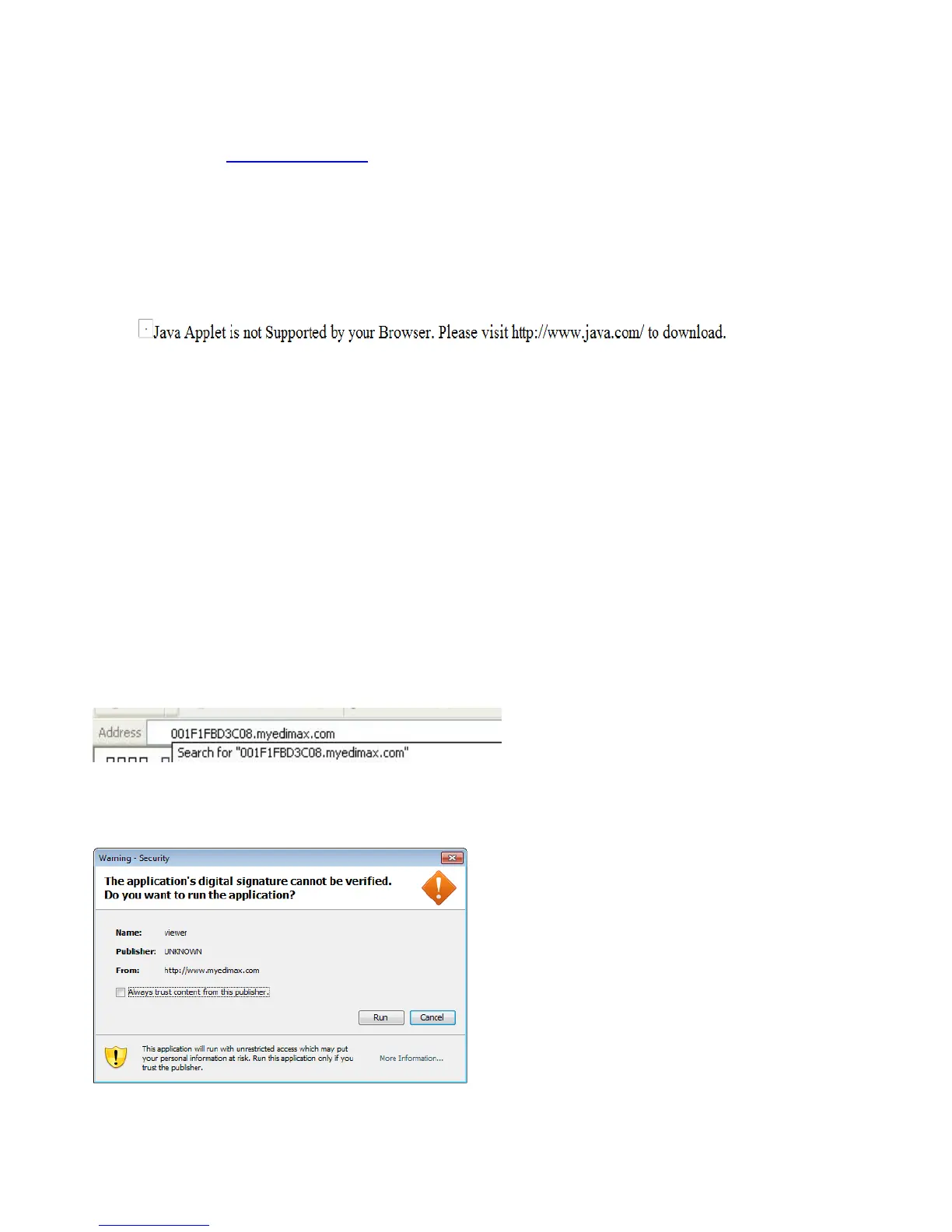
(2) If the following window is shown, click Run.
(3) When myedimax.com loads, enter the camera’s password. The default



 To Next Page