56
Chapter VIII: Advanced Operations
In this chapter, you’ll learn how to apply for a DYNDNS account to use with this
network camera when you don’t have a fixed IP address, and view the video of
this network camera on your iPhone.
8.1 Applying for a DynDNS Account
If your ISP issues you with an IP address that is not fixed, please follow the
following instructions to apply for a free DynDNS account, to get a host name
that is dynamically mapped to your current IP address.
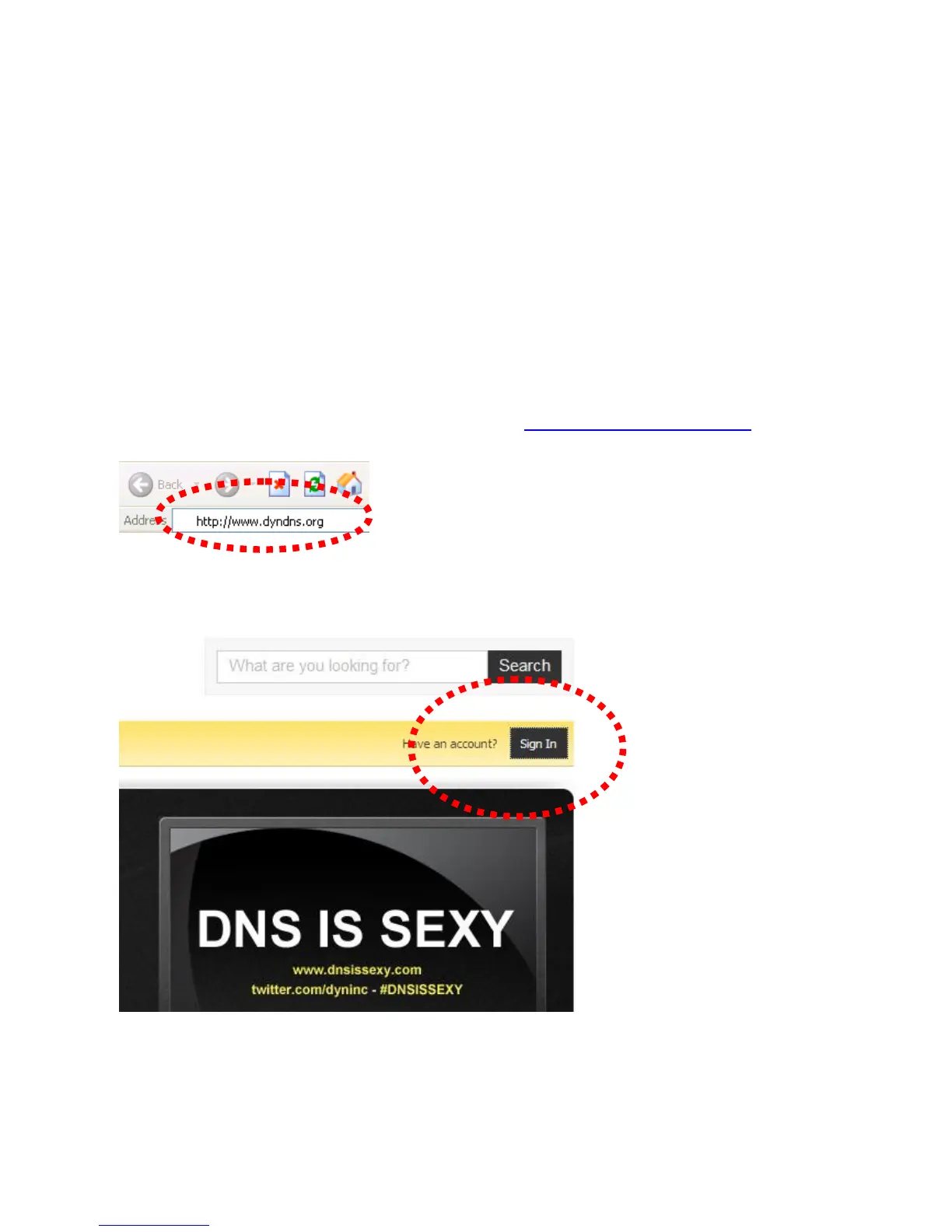
1. Launch your web browser and navigate to http://www.dyndns.org
2. Click ‘Sign In’ (located at upper-right corner of dyndns.org’s webpage)



 To Next Page