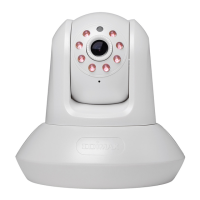
by select ‘off’ here, so other people can’t
tell if the network camera is active.
Click the ‘Apply’ button to save changes you made.
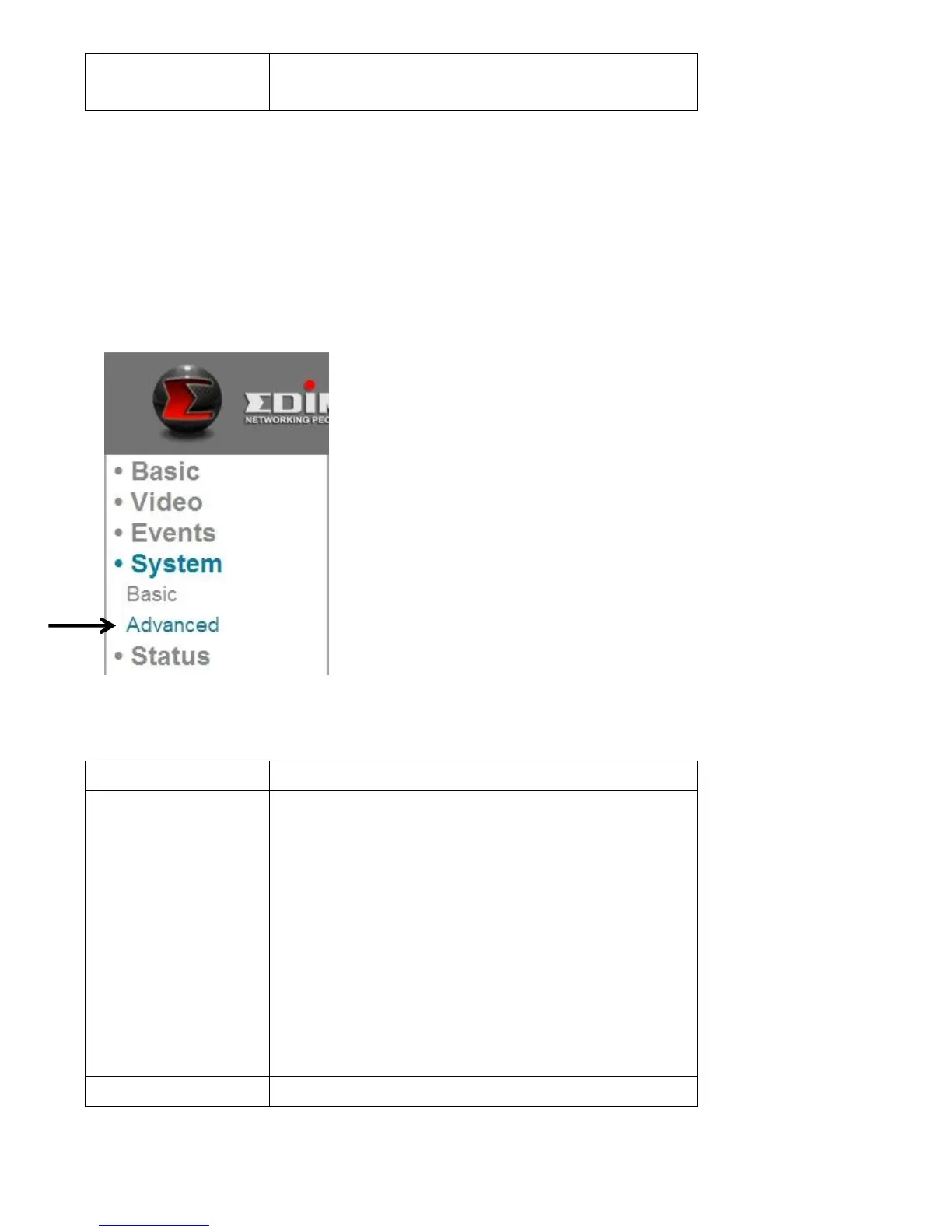
6.2 Advanced Settings
You can save or restore the network camera’s configuration file here. You can
also reboot the network camera remotely here.
The descriptions of these items are listed below:
You can improve the functionality of this
network camera by uploading a new
firmware file when available.
Please download new firmware files from
our website, and save it to your
computer’s hard disk. Then, click the
‘Browse’ button to select the file on your
hard disk, and click the ‘Apply’ button to
upload the firmware to Network camera.


 To Next Page