97
Chapter X: Accessing the Network Camera Remotely
10.1 Configuring the iOS Surveillance Software
Note: Make sure the device is connected to a Wi-Fi or 3G network before
launching the application. To install the EdiView Network Camera application on
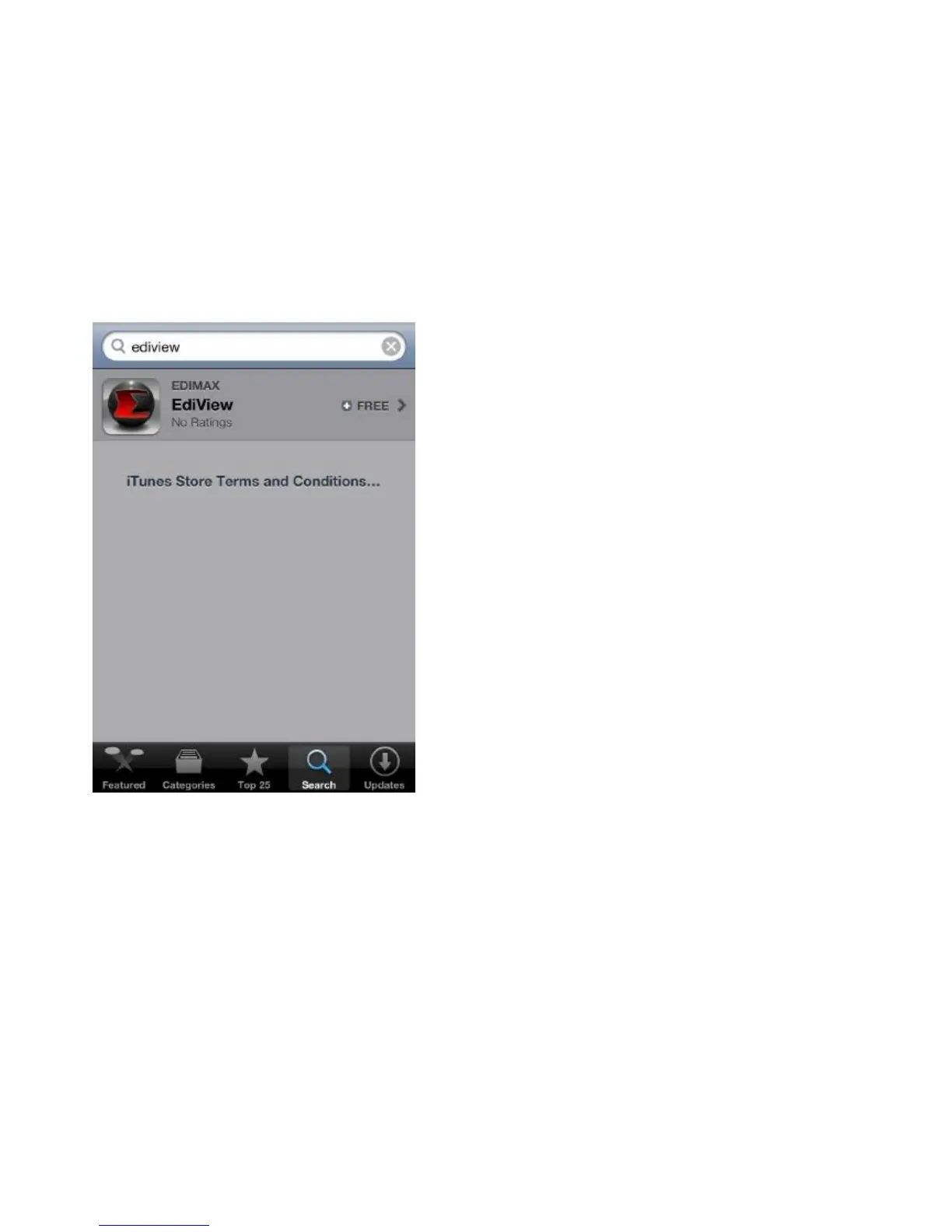
an iOS device, do the following:
(1) Search for Edimax EdiView to download and install the application.
(2) When the application is successfully installed the EdiView icon is shown on
the screen.
(3) Launch EdiView by tapping the EdiView icon.



 To Next Page