time; to ignore minor motions, select a
longer time.
Select ‘Enable’ to send a snapshot picture
to a designated email recipient; select
‘Disable’ to disable this feature.
Select ‘Enable’ to upload a snapshot
picture to a designated FTP server; select
‘Disable’ to disable this feature.
Click the ‘Apply’ button to save changes you made.
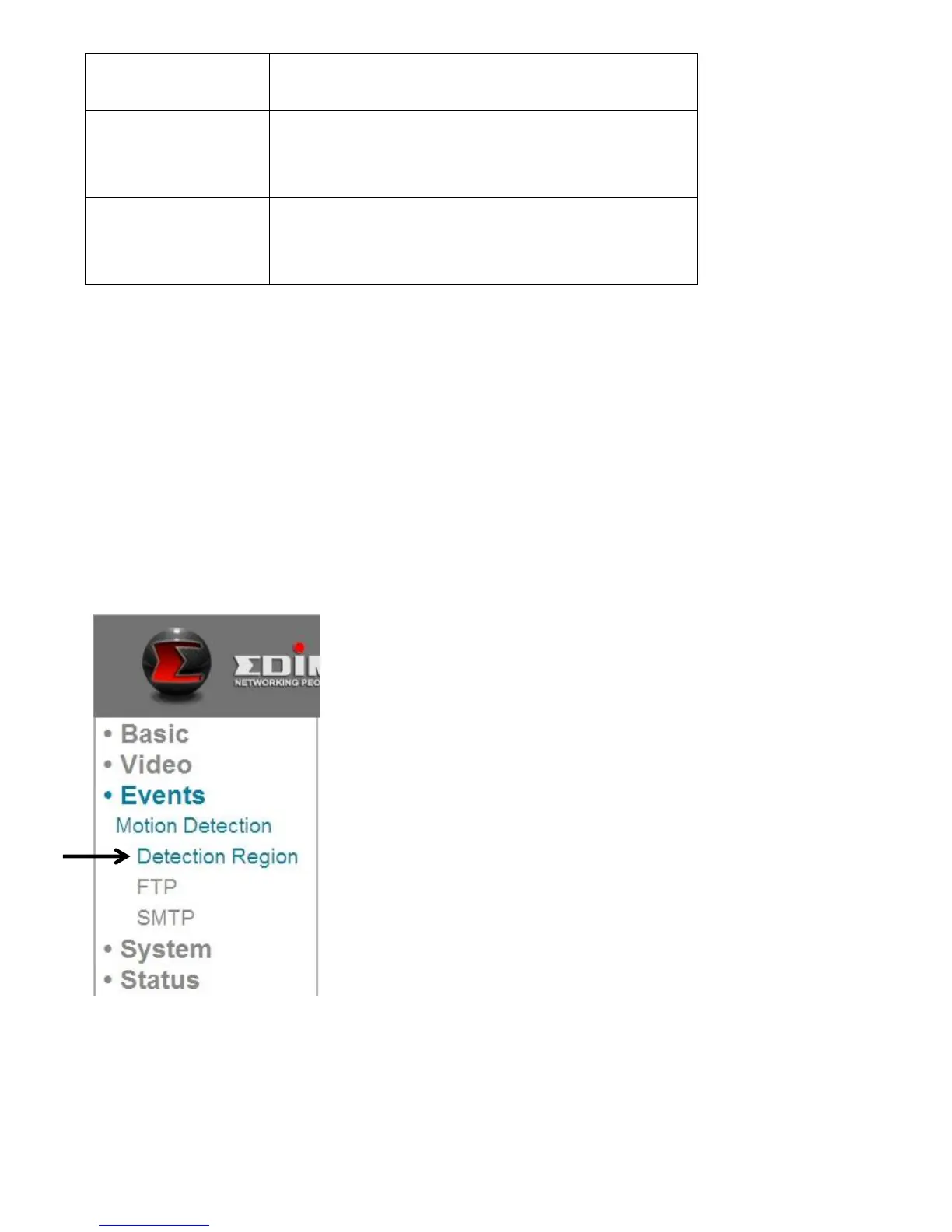
5.1.1 Detection Region
You can set up the area in the video where the network camera should detect
changes in video (motion). Motions outside of the detection region will be
ignored by the network camera. This will help you minimize the chances of false
alarms.
When you select this setup page, you’ll see the following setup page:



 To Next Page