19
Chapter III: Setting Up the Network Camera
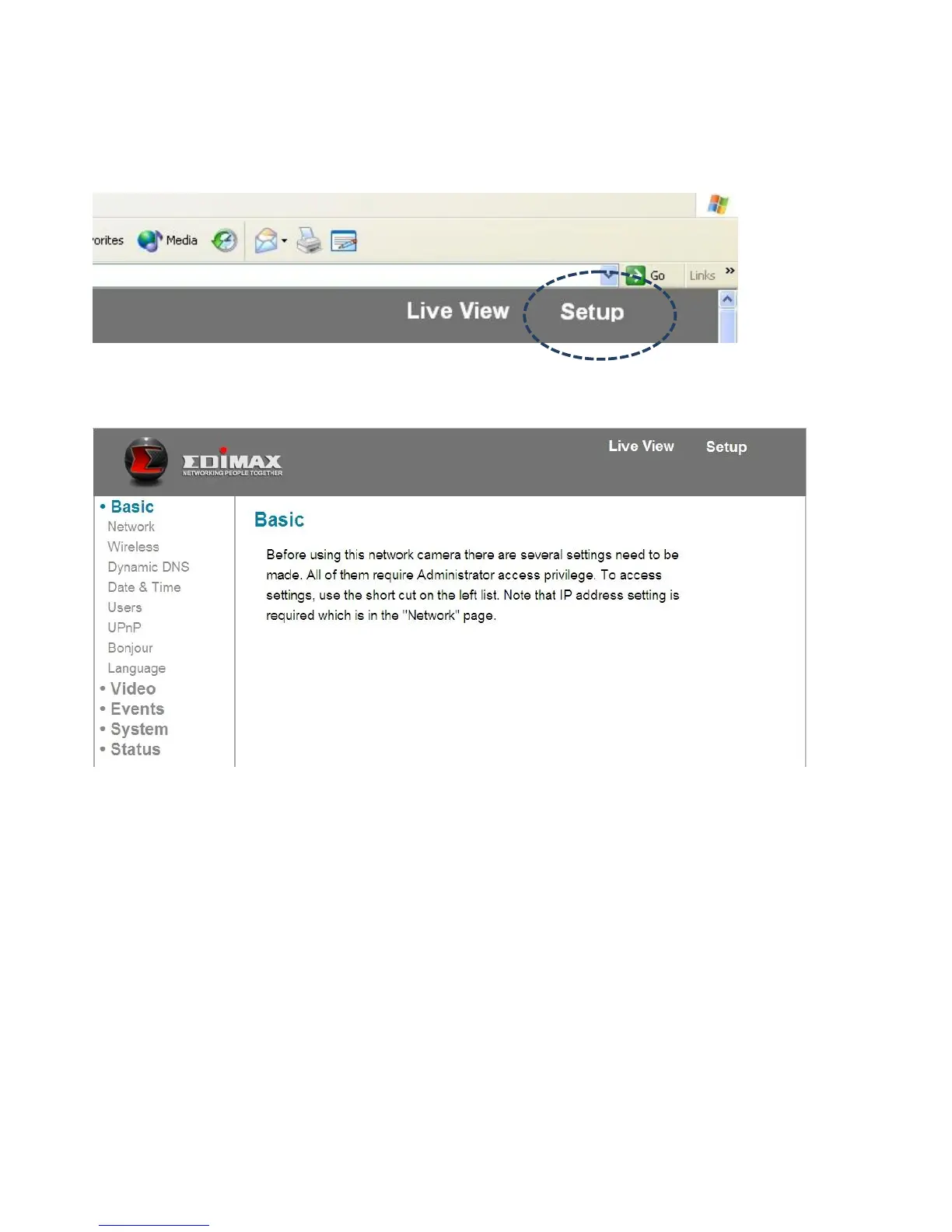
To set up the network camera, please log onto the network camera’s web
interface and click the ‘Setup’ link in the upper-right corner:
The setup menu will appear:
There are five setup categories: Basic, Video, Events, System, and Status, which
are located at the left of the web interface. When you click on the link of a
category, it will expand and show a sub-menu.
Please refer to following chapters for detailed instructions.



 To Next Page