8
1.5 Installing the Network Camera
Please follow the following instructions to set up your new network camera.
1. Secure the network camera to the tripod or camera stand using the mounting
hole.
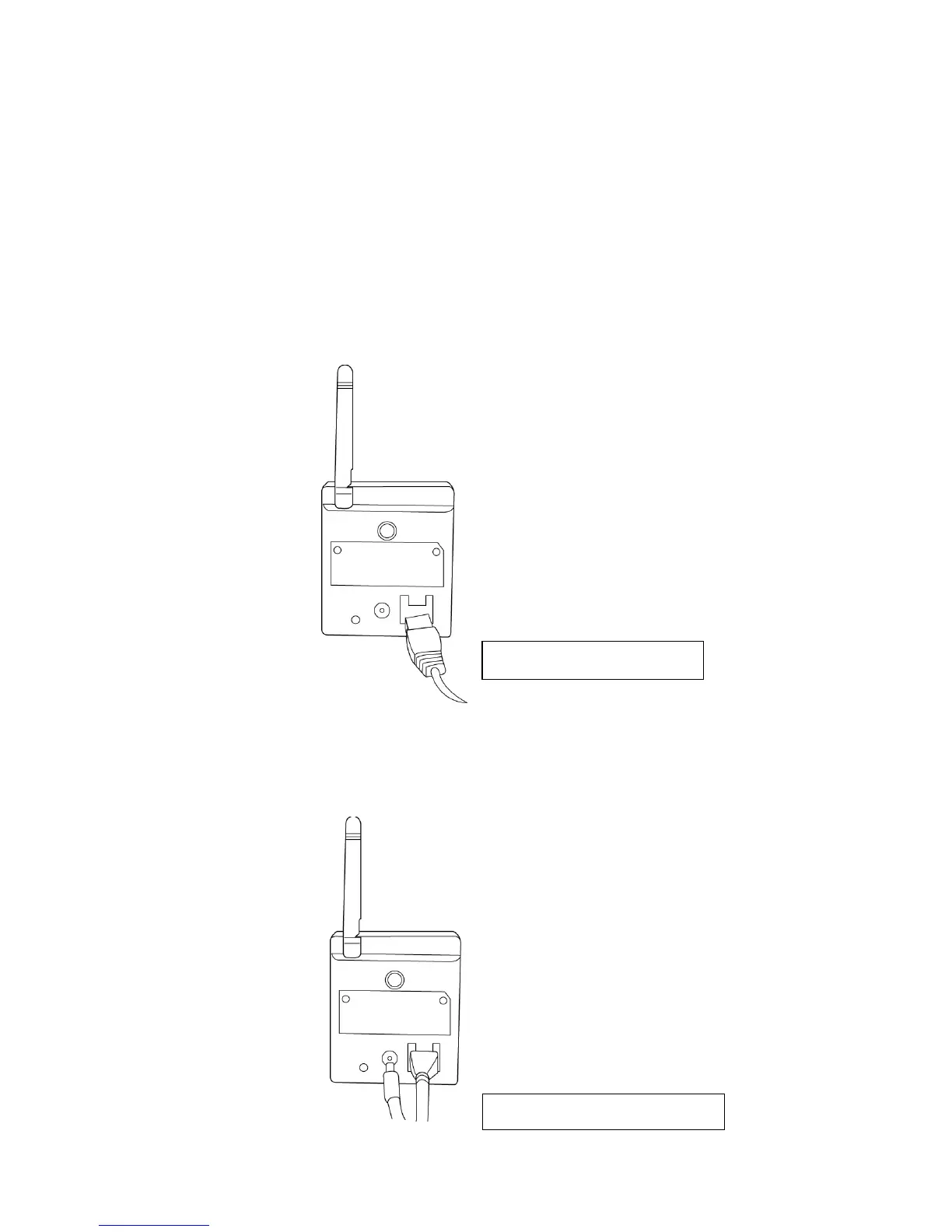
2. Connect an Ethernet cable to the LAN port. For first-time installation you’ll
generally need an Ethernet cable to perform configuration. However, if this
network camera is configured to connect wirelessly, for example you will
connect using WPS, you can skip this step.
3. Plug the DC power adapter to a power outlet in the wall.
4. Connect the DC power cable to the network camera’s DC power connector.



 To Next Page