11
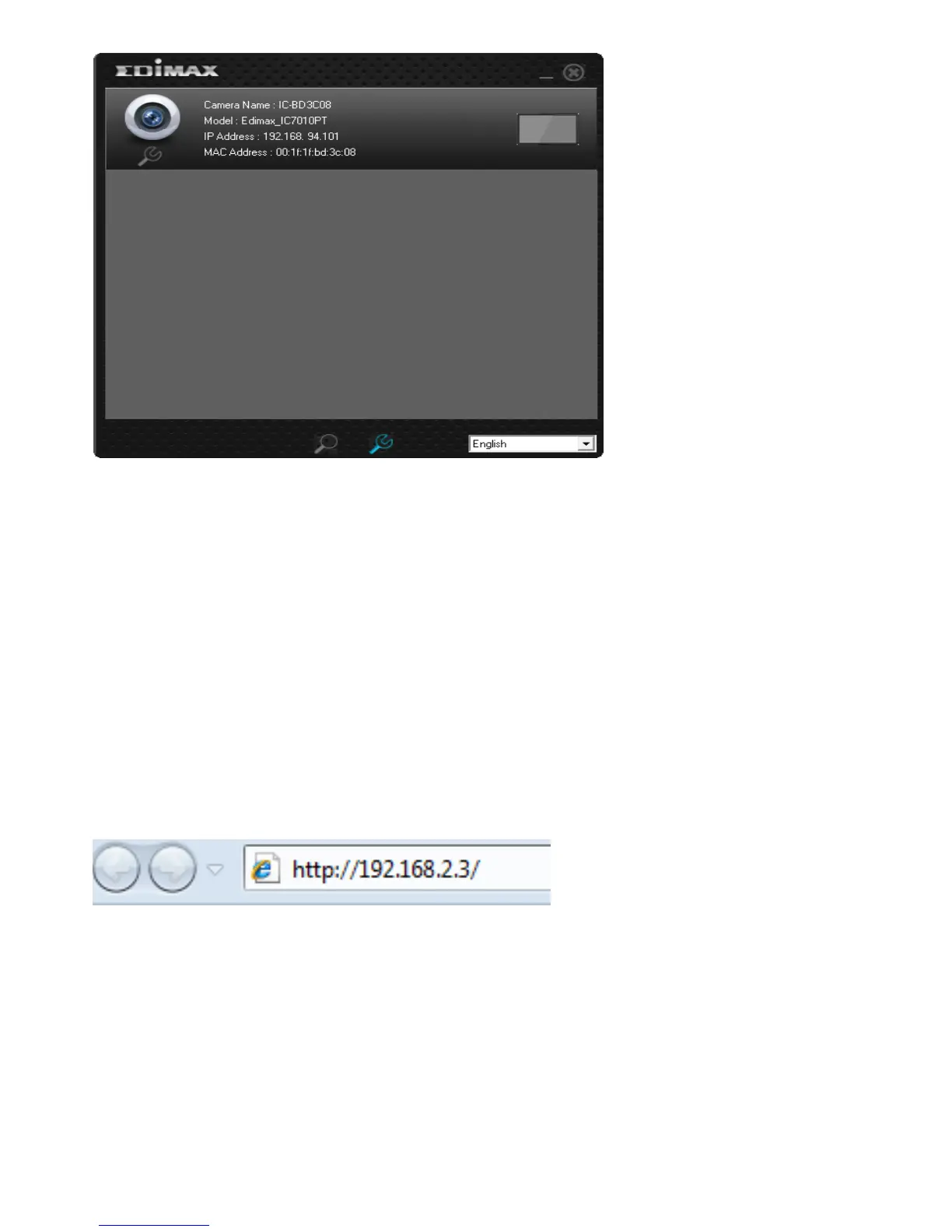
Note: Preview is only available when the rectangular block is colored blue.
2.2 Connecting to the Camera’s Web User Interface and Installing the ActiveX Plugin (IE
only)
For first-time installation, you can connect to the network camera by entering
its IP address into the address bar of Internet Explorer. The camera’s IP address
can be found by running EdiView Finder. Should EdiView Finder fail to find the
camera, you may also attempt to connect using the camera’s default IP address,
192.168.2.3. However, to do so you must first change your computer’s IP
address to one beginning with 192.168.2.x. Please see Appendix A for more
details.
The use login screen will appear when you get connected:



 To Next Page