12
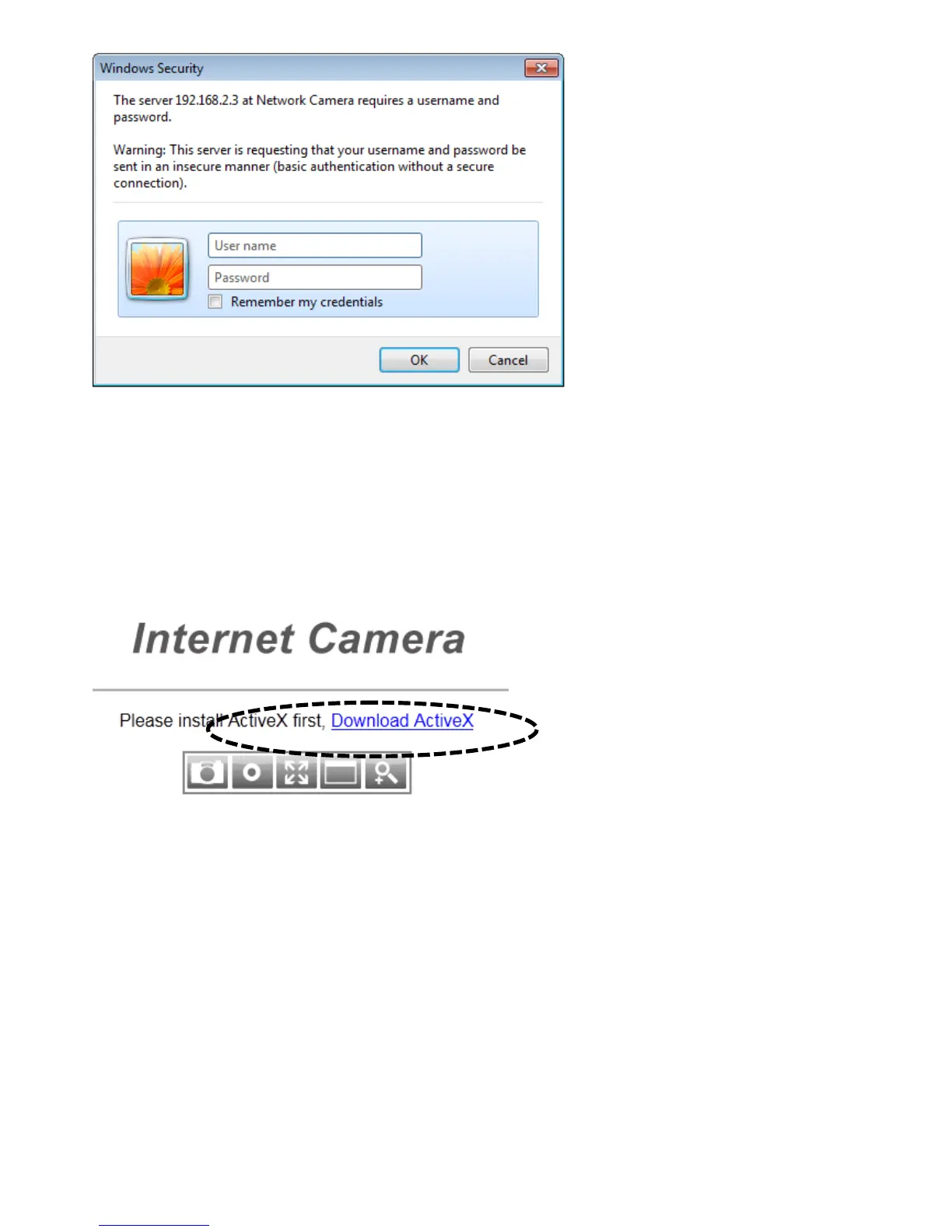
The network camera’s administrator username is ‘admin’ (lower case) and the
password is ‘1234’ by default. Click ‘OK’ or press the ‘ENTER’ key on your
keyboard when you finish entering the username and password.
When you connect to the network camera for the first time, you may see the
following message:
This message prompts you to install the ActiveX plugin before you can see the
video from Network camera. Click the ‘Download ActiveX’ link to install the
ActiveX plugin:



 To Next Page