106
Note: Use a lower video quality when network bandwidth is low.
Tap Done to add the network camera to the camera list. Tap Cancel to discard
changes.
Removing a Network Camera from the List
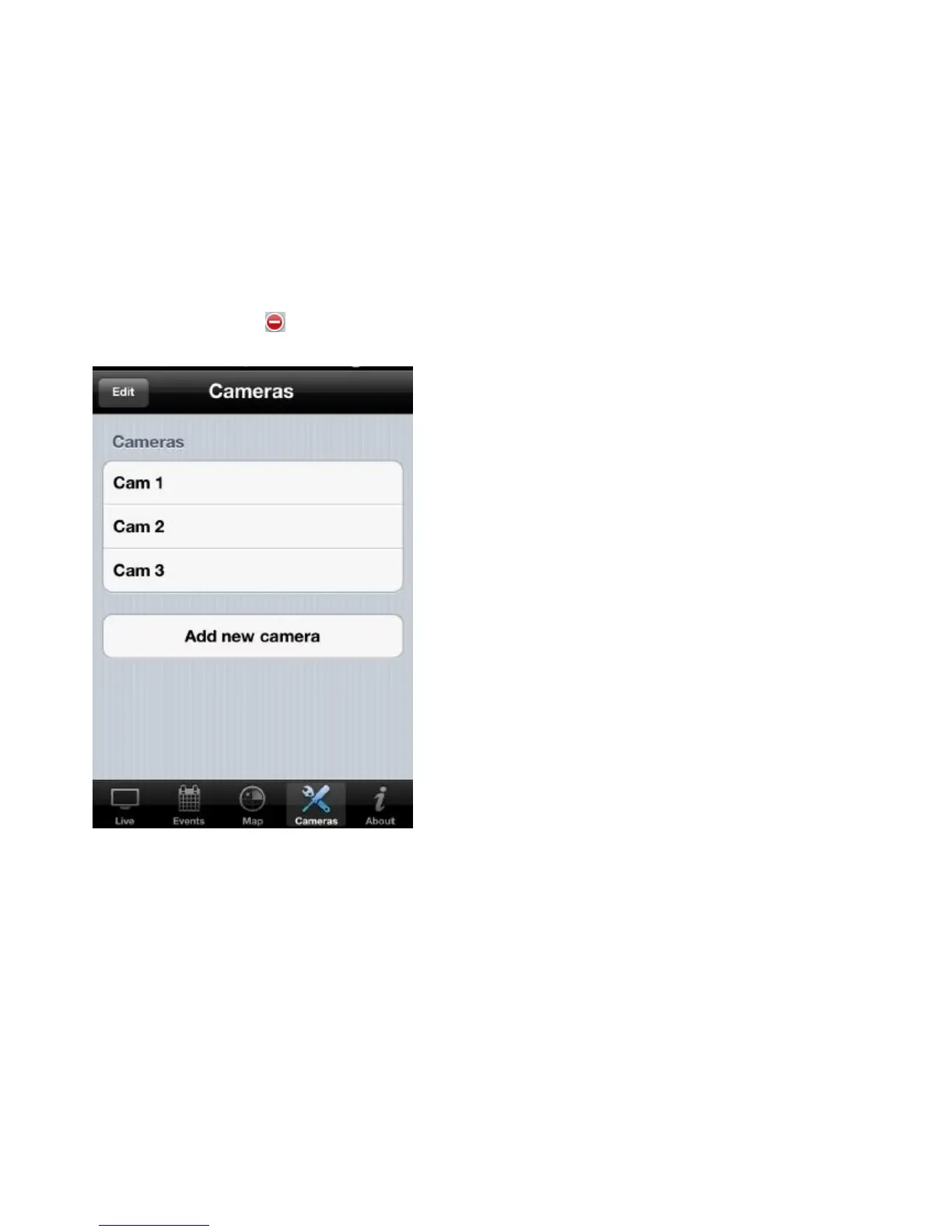
To remove a network camera from the list, do the following:
Tap Edit, and tap to remove the selected camera.


 To Next Page