108
Main Menu Buttons
To show the EdiView menu buttons, press the menu button on the iOS device.
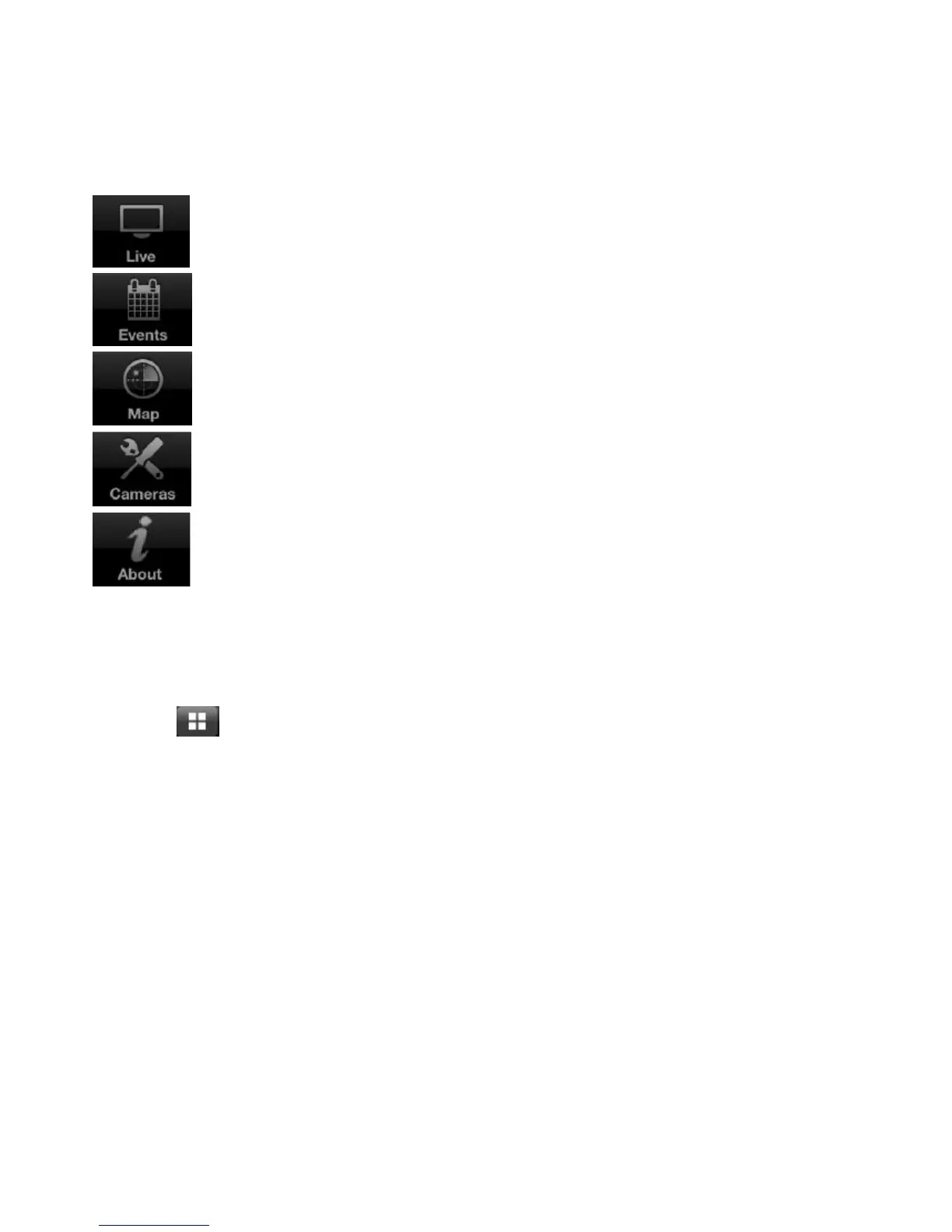
The EdiView menu buttons perform the following functions:
View live images of network cameras.
View a list of events, or movements, for a network camera.
Use Google Maps to locate network cameras.
Show a list of available network cameras.
Show information about the EdiView application.
Viewing Multiple Camera Live Views
Tap the button on the upper left corner of the screen to cycle between
one, four and twelve camera live views.
Tap the button on the upper right corner of the screen to switch to Gesture
mode. Slide a finger over the live image view to move the network camera in
the desired direction. (Only works with Pan & Tilt cameras)
Note: If the button that appears in the upper-right corner says Switch, the
camera cannot move.



 To Next Page