111
Note: If your network camera uses a resolution of 1280x960, you may see a
warning message regarding changing the resolution.
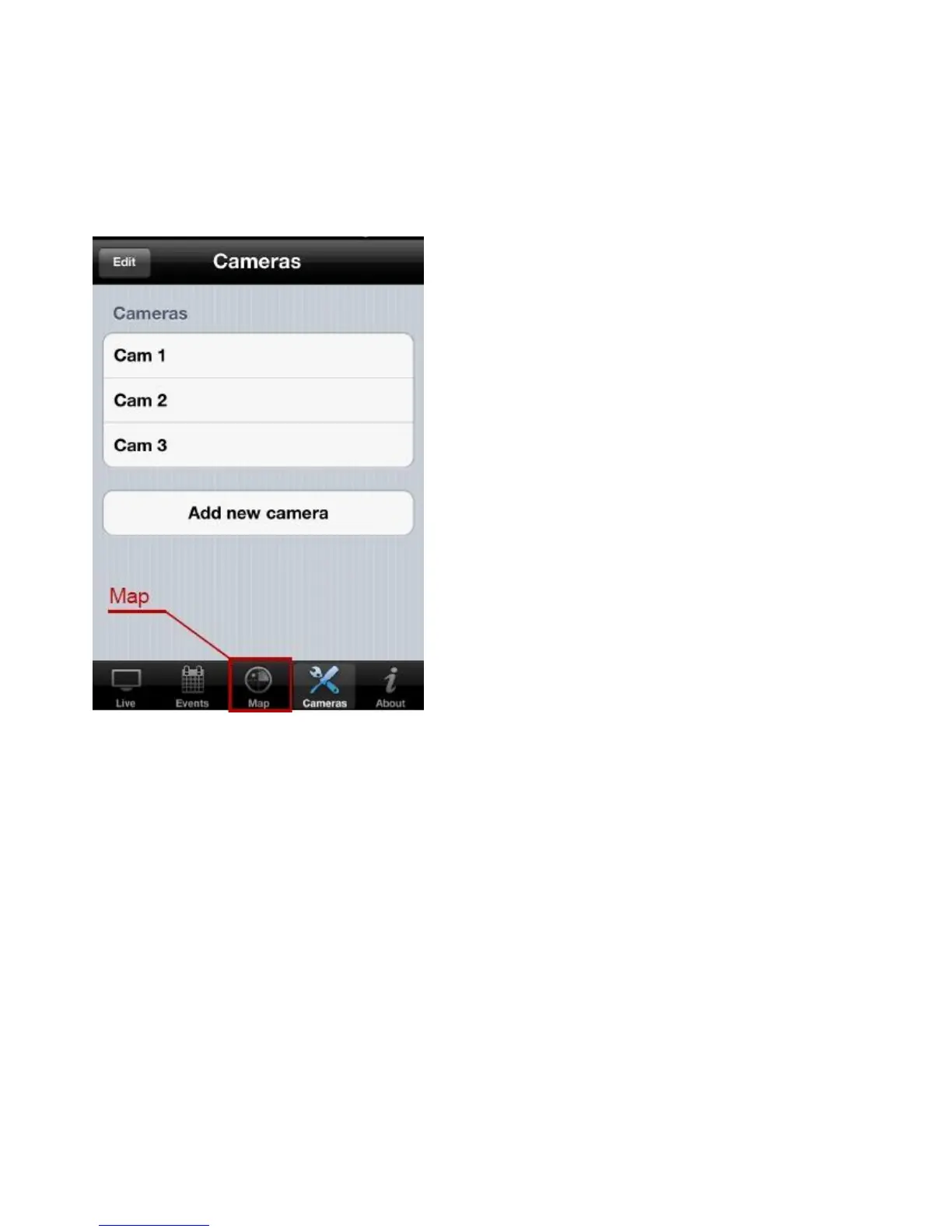
You can use the Map feature to mark your network cameras on Google Maps so
you can locate them and remember their physical locations easily.
Note: You need an active Internet connection to show a map on your iOS
device.
Tap the Map button on the toolbar to access the map menu.
Google Maps attempts to locate the iOS device’s current location by GPS and
the network.
Note: Using the iOS device may hinder the service’s ability to find the device
location. To manually find the device location, drag a finger over the map in a
direction until the desired location is found.



 To Next Page