122
Android Surveillance Software Configuration Options
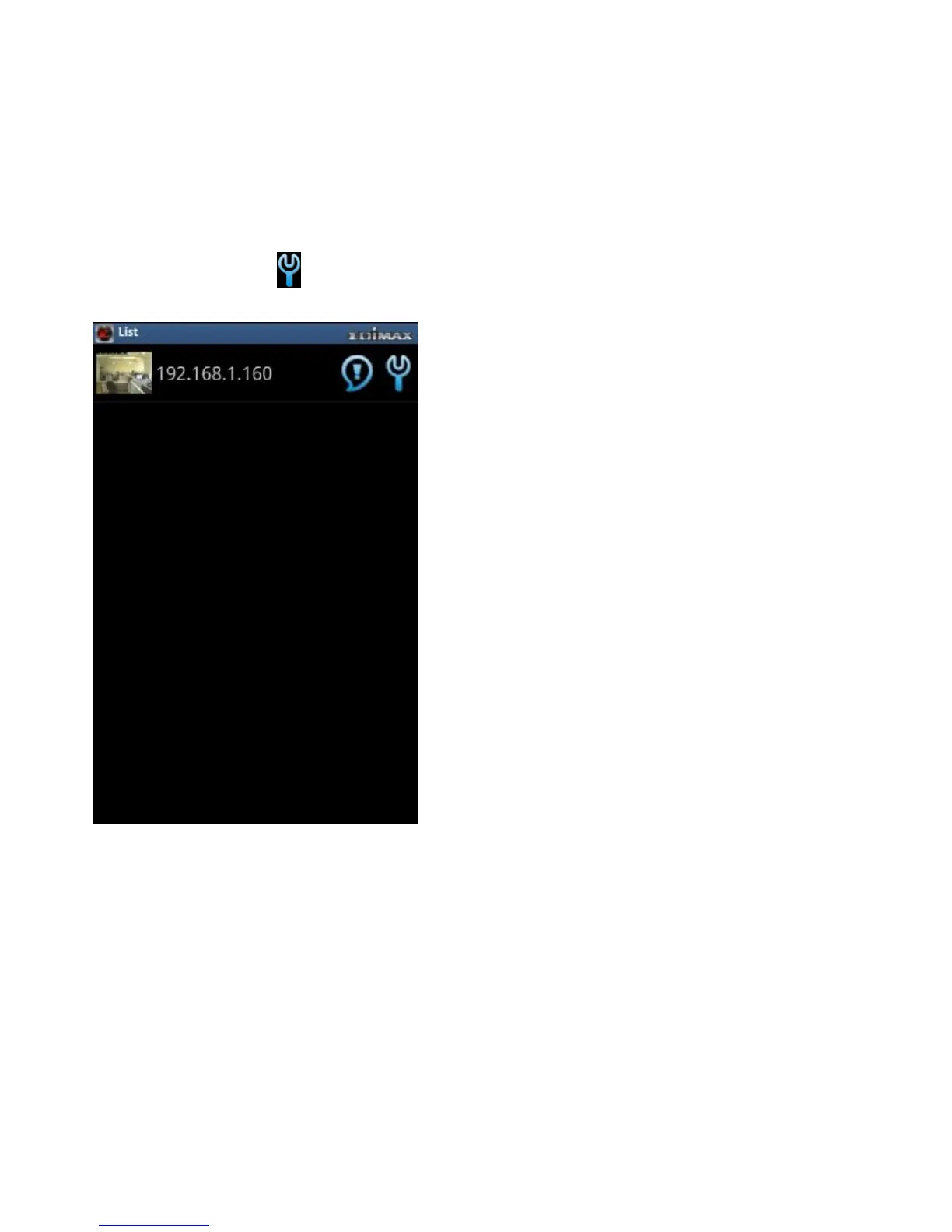
The EdiView application automatically searches the LAN for existing Edimax
network cameras and adds them to the camera list.
Tap on a camera’s icon in the list to edit the configuration settings.
Configuring Network Settings on a LAN in IP Mode
Tap the text box of a parameter and enter new information to change the
network configuration settings


 To Next Page
 Loading...

