125
Configuring Video Display Parameters
Tap the parameter and enter the new information to change the video display
configuration settings.
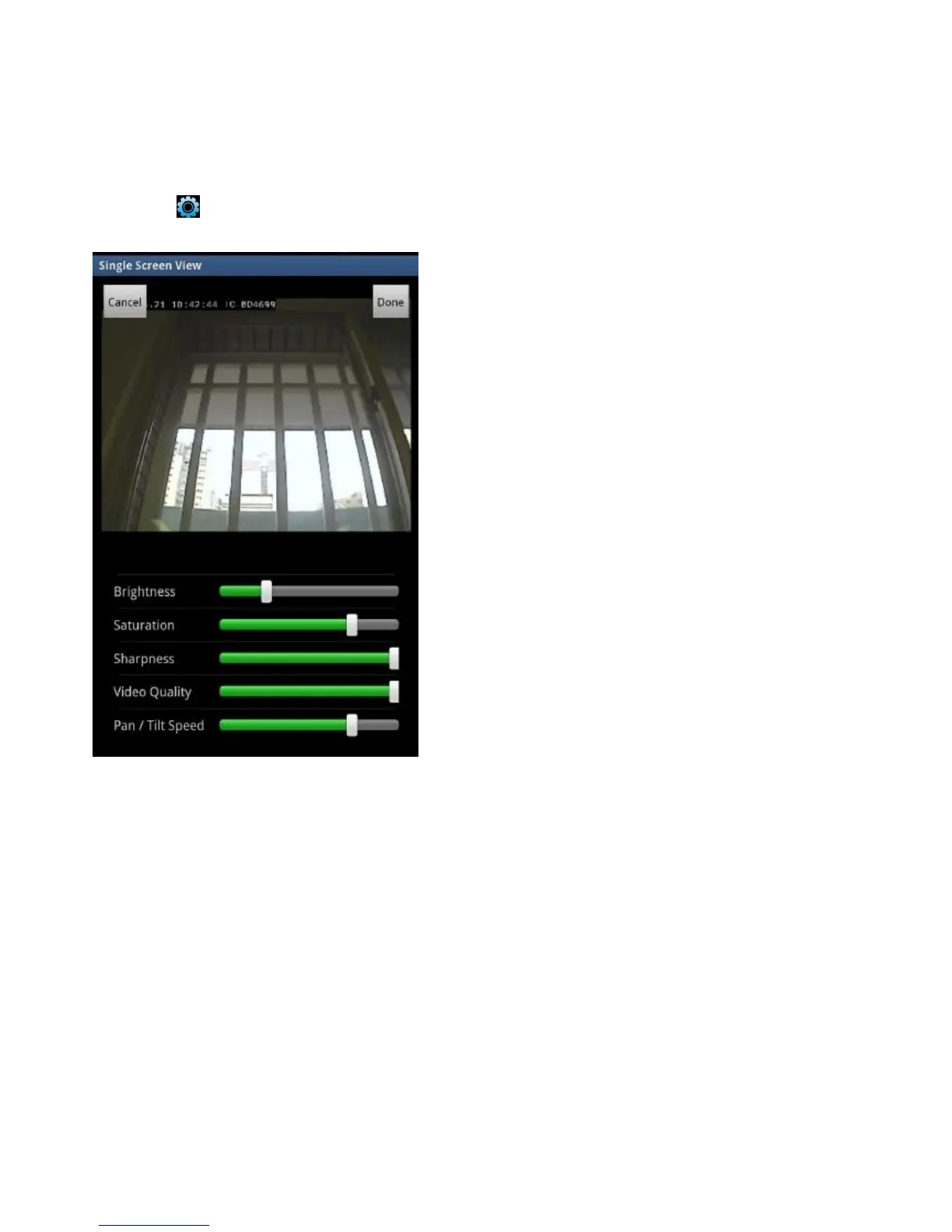
Tap the button.
Drag the slider bars right or left to configure brightness, saturation, sharpness,
video quality and pan/tilt speed.
Tap Done to save the changes. Tap Cancel to discard the changes.
Removing a Network Camera from the List
To remove a network camera from the list, do the following:
Tap a camera in the list and hold.


 To Next Page
 Loading...

