128
Taking a Snapshot
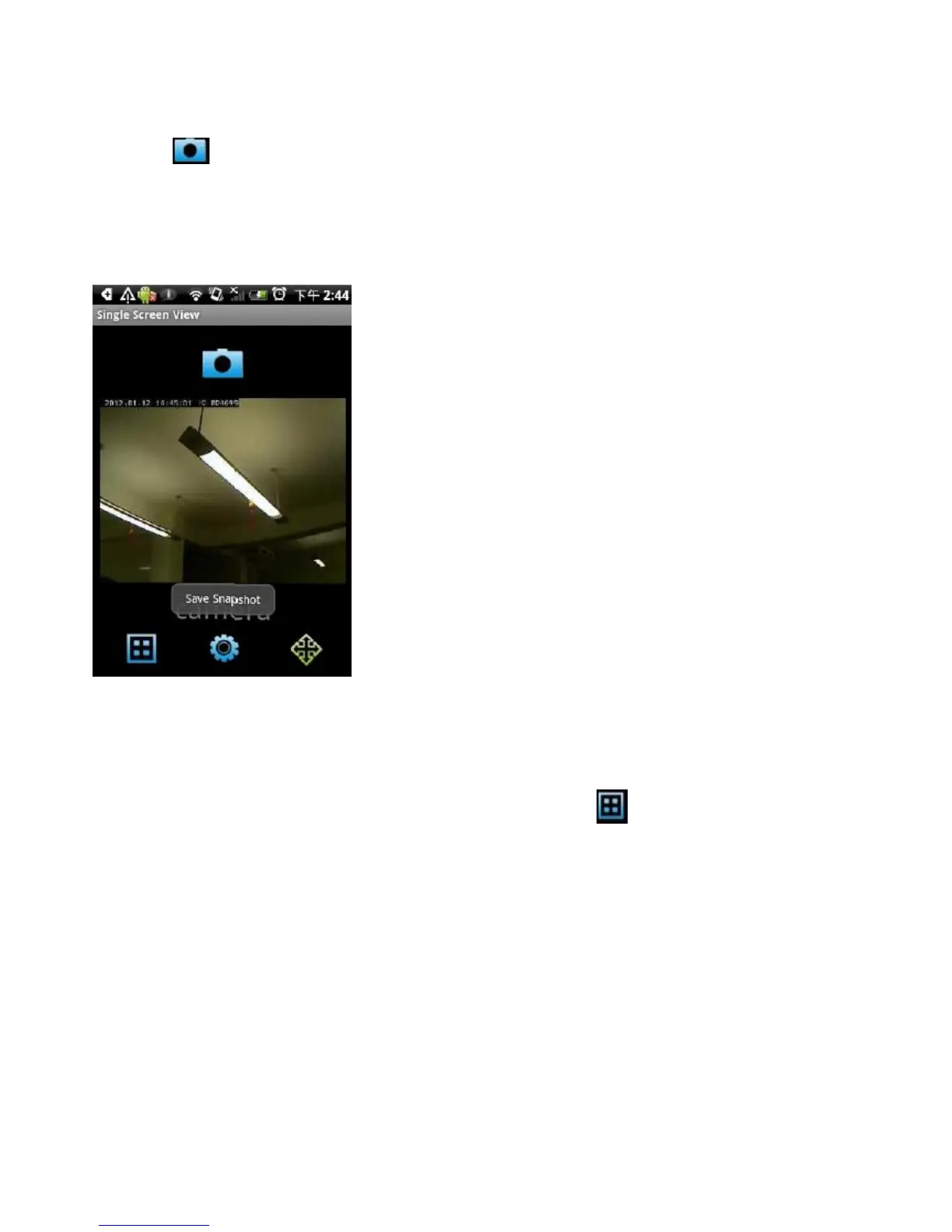
To take a snapshot of the current live image and save it on your Android device,
tap the button.
You’ll see a Save Snapshot message appear, which indicates a snapshot has
been taken.
Viewing Multiple Cameras
If you have more than one network camera, tap the button to see the
images of up to four network cameras at the same time.
Tap on the camera’s image to enlarge it.


 To Next Page
 Loading...

