132
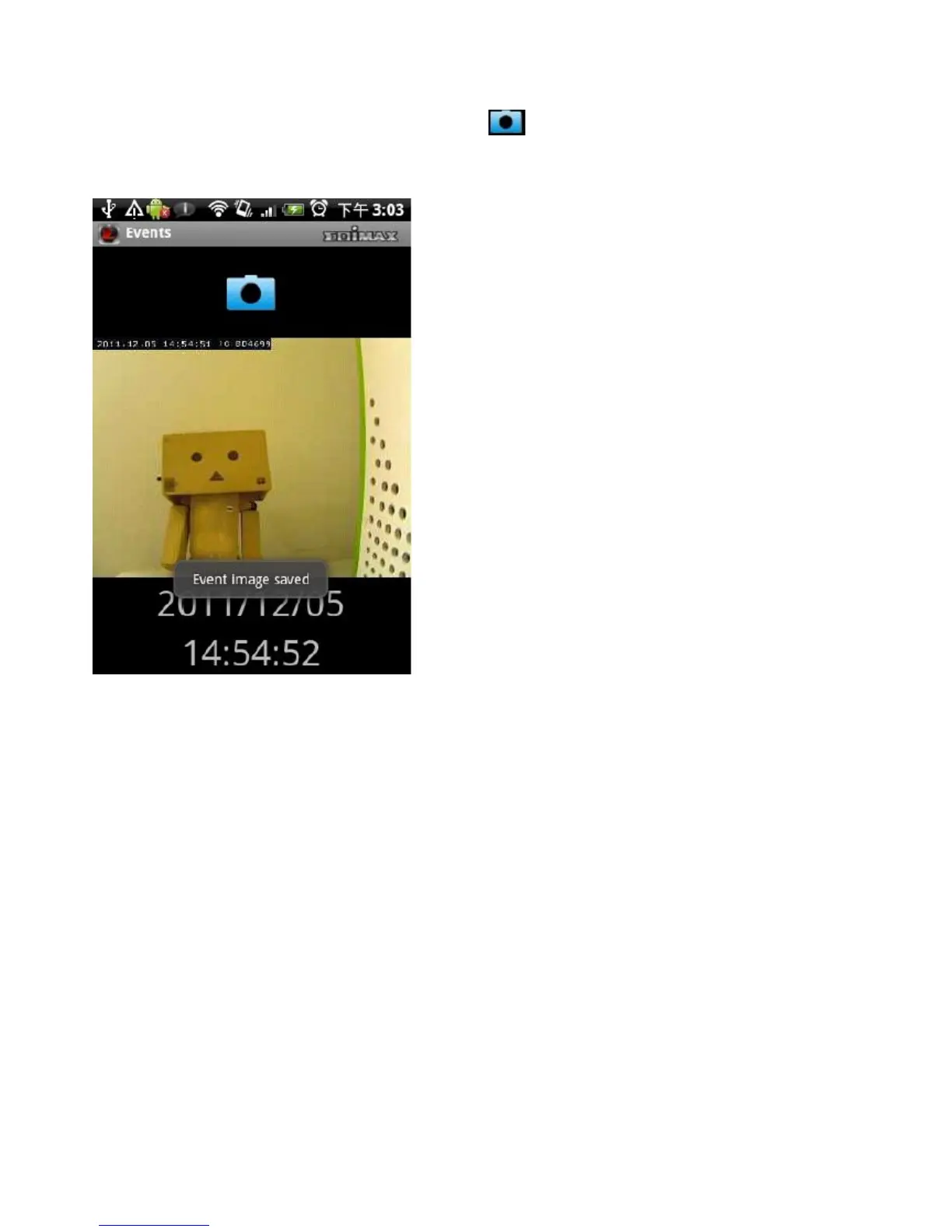
Save an Event Image Snapshot
To save a snapshot of this event, tap the button. The message “Event
Image saved” indicates the image has been saved successfully.
Mapping a Camera
Use the mapping feature to make the location of the network camera on Google
Maps. An active internet connection is required to show the map on the
Android device.
Tap the Map button at the bottom of the device to access the map menu.
Google Maps is shown on the Android device. It attempts to locate the current
location of the camera by GPS and the network.



 To Next Page